



Files
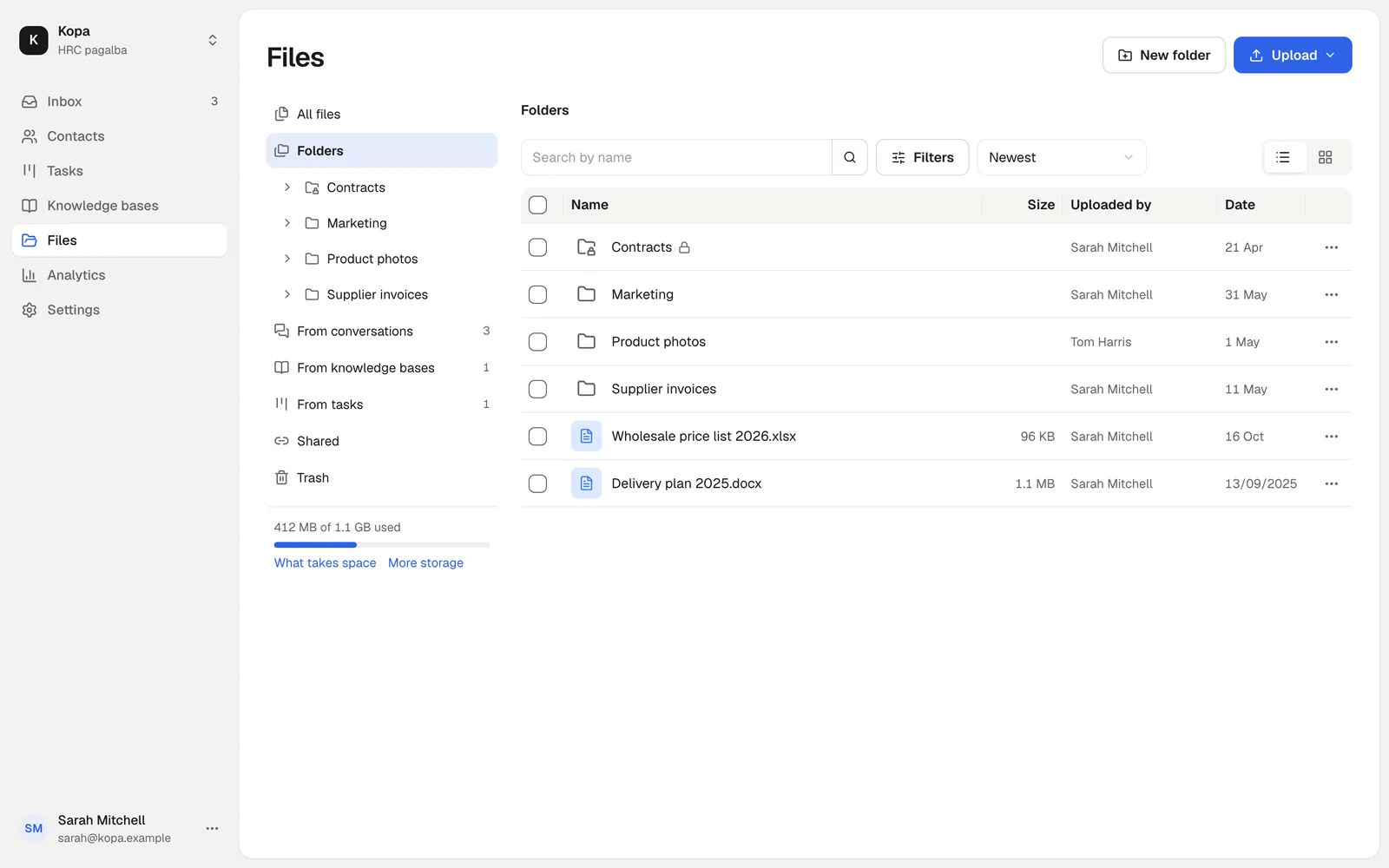
Every company file in one place
Screenshots and recordings your customers sent, e-mail attachments, knowledge base videos and your own folders. Find them, tidy them and share them.
No card needed · Sign in with an e-mail code
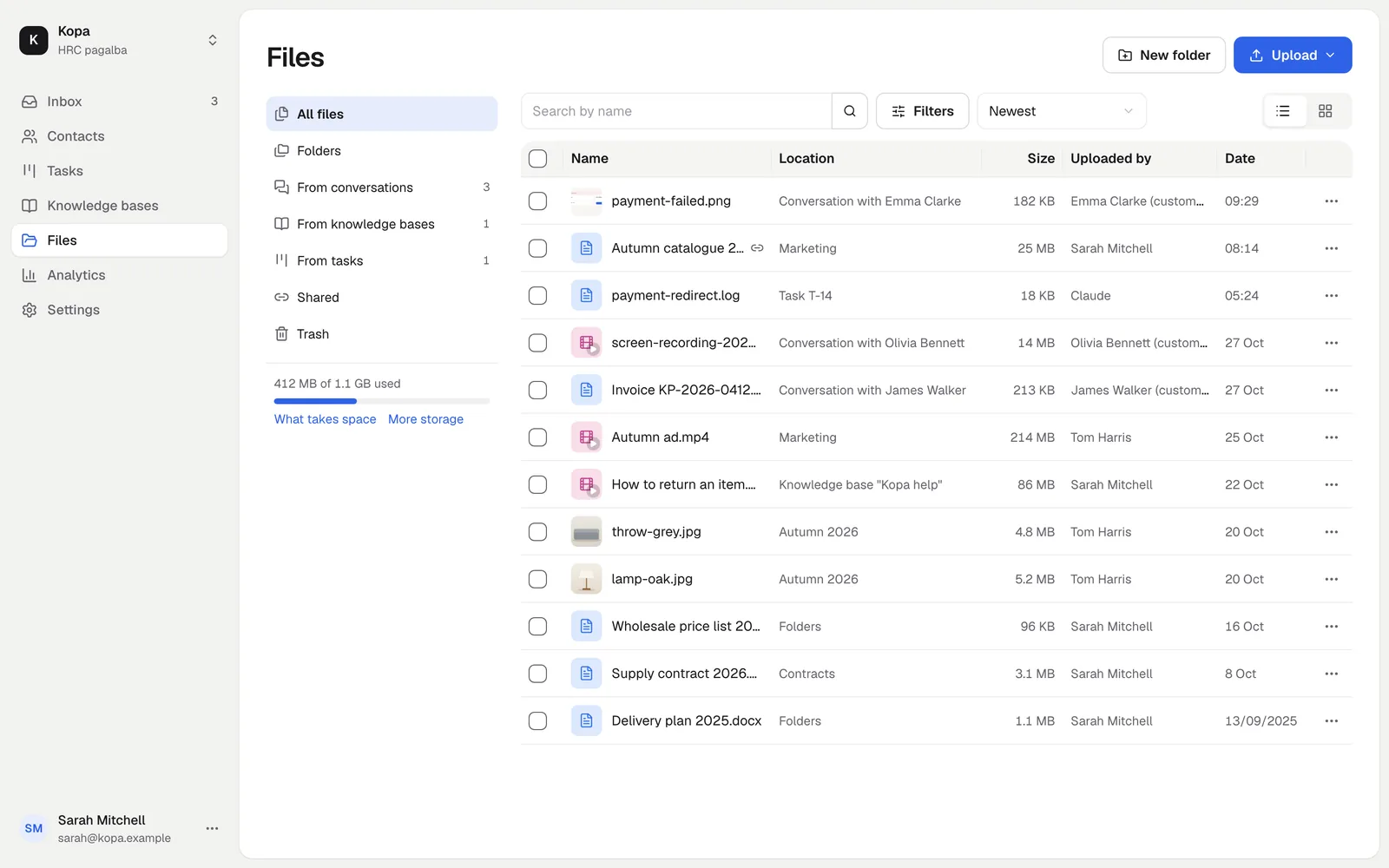
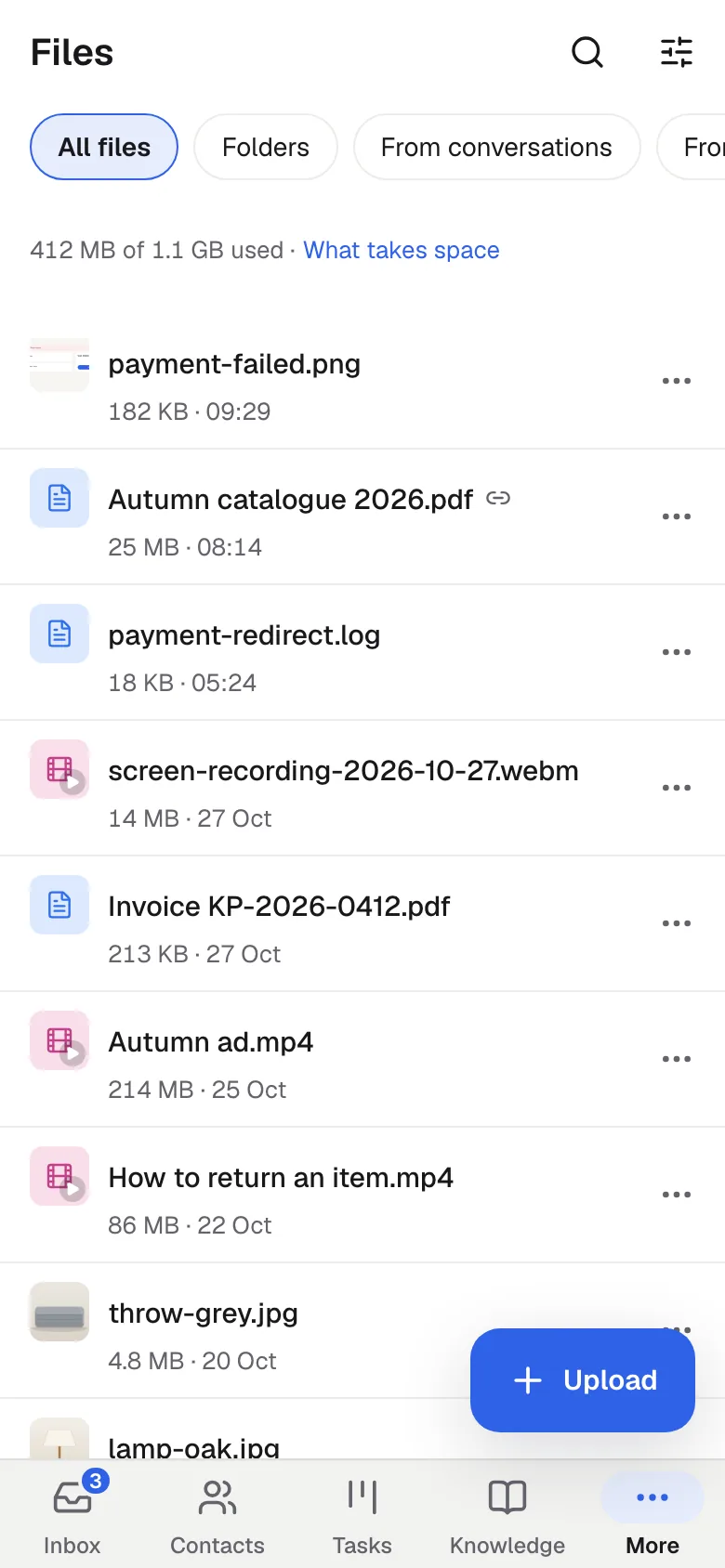
Find any file
Filter by source, date, type, size and who uploaded it. Search by name.
- Conversations, knowledge bases, tasks and folders together
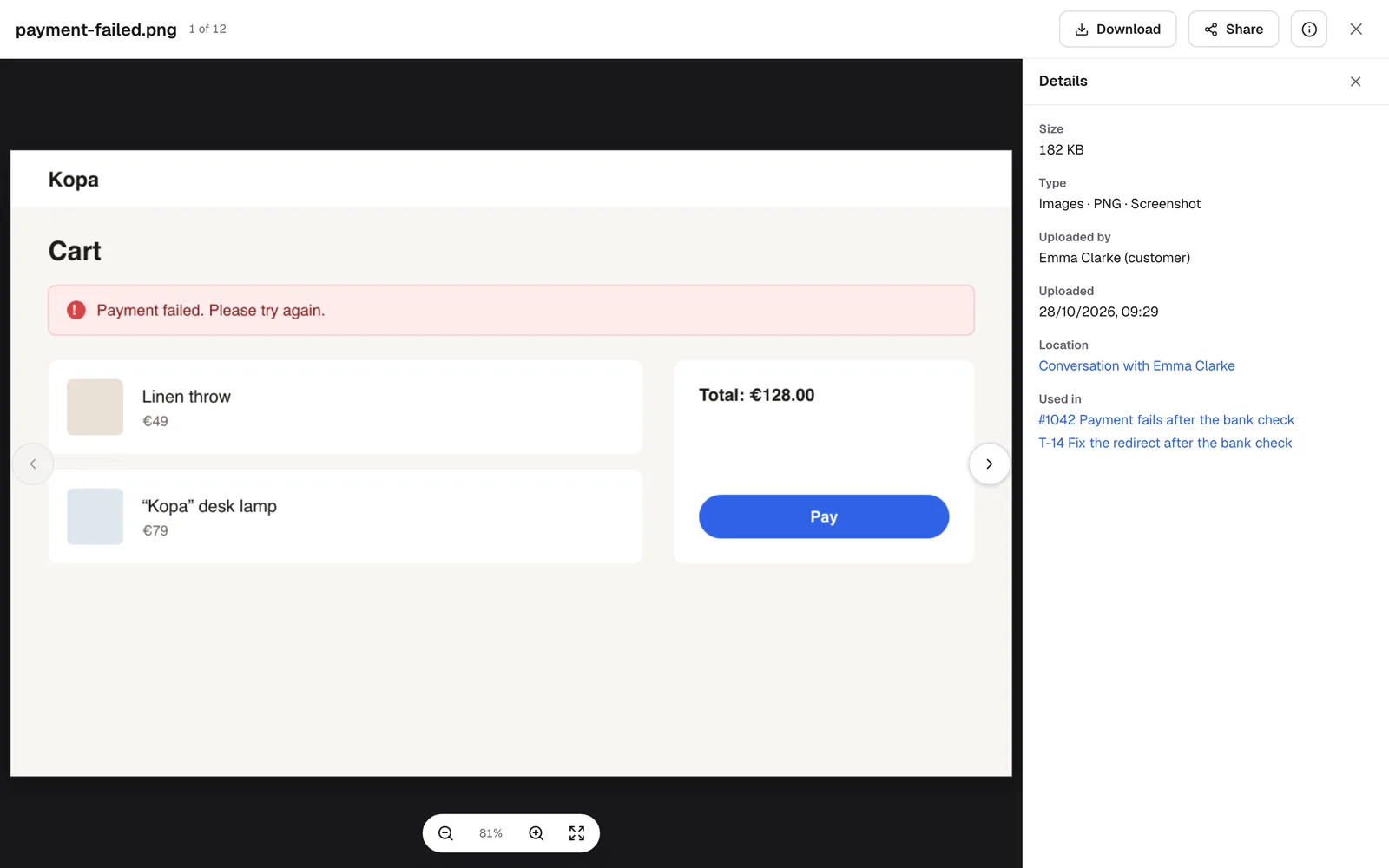
- See where a file is used
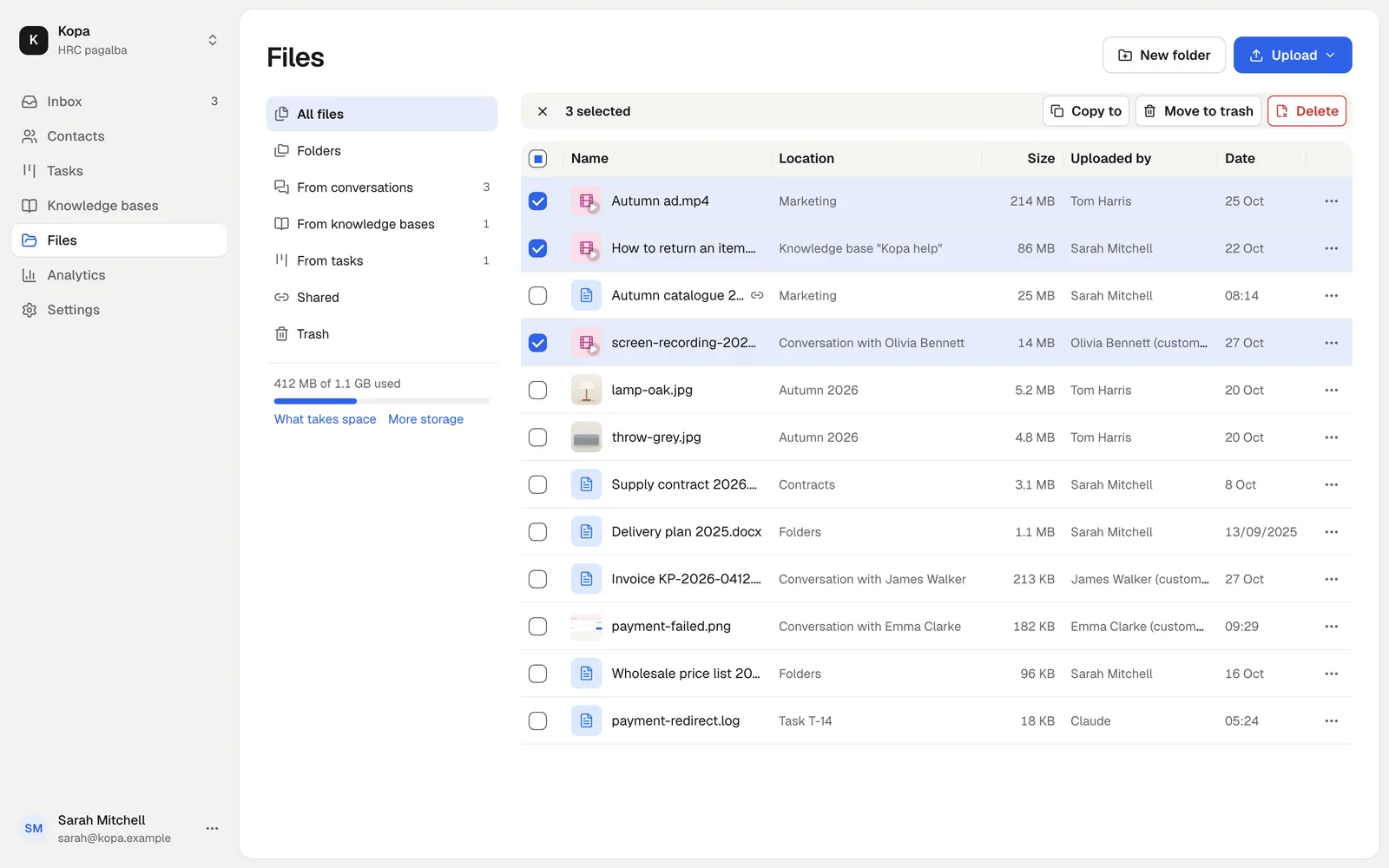
Free up space
Select many files and delete them at once. Before you delete, you see which conversations or tasks hold them.
- Old and large files in one filter
- A 30-day trash for folder files
Folders like on your computer
Drag in files or a whole folder from your computer, paste them or pick them. Move, copy and rename.
- Up to 5 TB per file
- Uploads continue after a dropped connection while the page stays open
Share a link
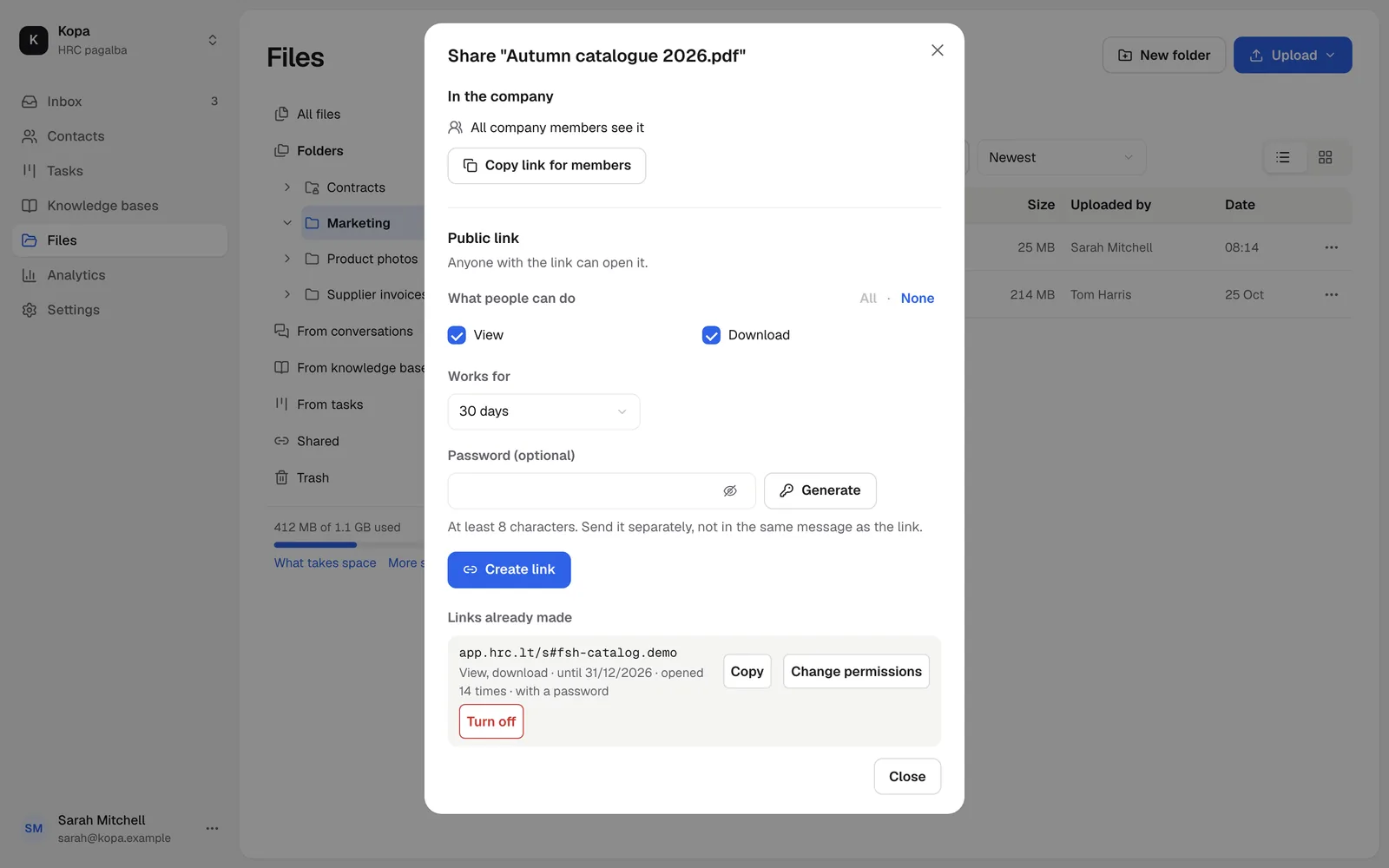
Create a link to a file or a folder and tick what people may do: view, download, upload files, create folders. With an end date and a password.
- Turn a link off at any time
- Show a folder only to chosen members
How to start
- 1
Open Files
Find every company file in the menu on the left.
- 2
Create a folder
Drag files into it from your computer.
- 3
Share
Create a link and send it to whoever needs it.
Questions
How large can files be?
One file can be up to 5 TB. A company starts with a limit of 500 MB per file, and the owner raises it in the company settings. All files use the company's file storage: 1.1 GB free, up to 10 TB with the File storage add-on.
Does a copy use storage?
Yes. A copy is a separate file and uses as much storage as the original.
Can I restore a deleted file?
Folder files stay in the trash for 30 days and can be restored. Files from conversations, knowledge bases and tasks are deleted at once.