



Documentation contents
Inbox and e-mail
Knowledge base
Files
Analytics
Account and billing
Create your company and get started
Updated
In HRC pagalba everything belongs to a company: chat widgets, mailboxes, knowledge bases, tasks and the team. Create the company first, and the setup helps you with the rest.
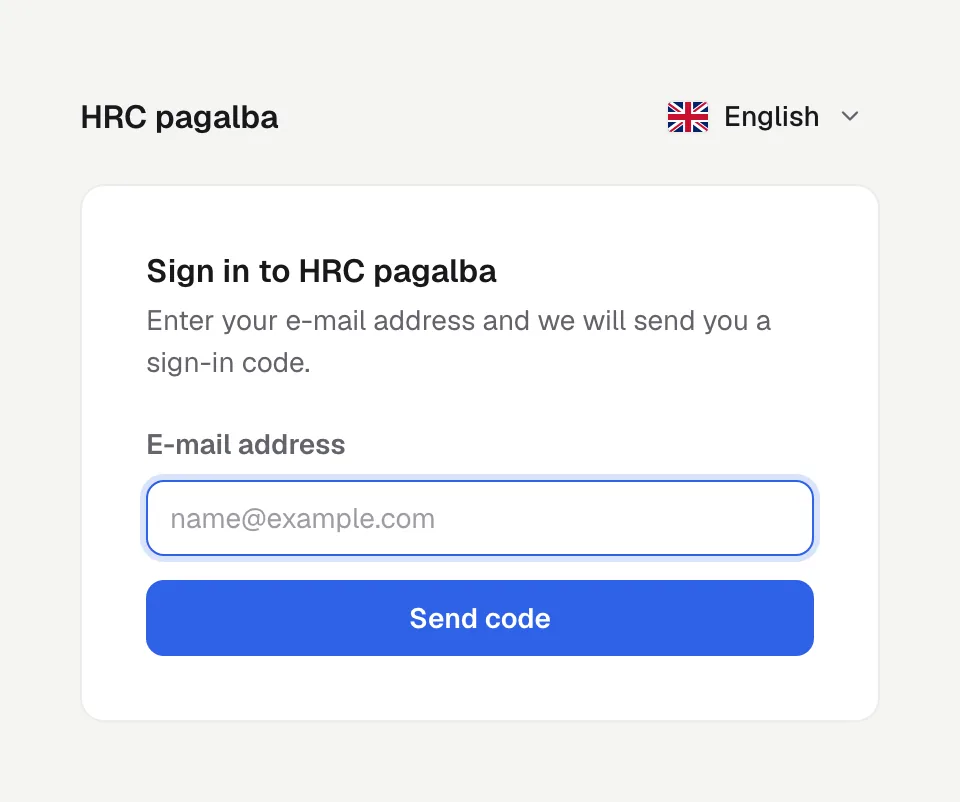
Sign in
Open https://app.hrc.lt and enter your e-mail address. We send you a one-time sign-in code, so there is no password. You can also sign in with Google.
Create the company
Type your company name. You can upload a logo later in Settings, Company. The person who creates the company is its owner.
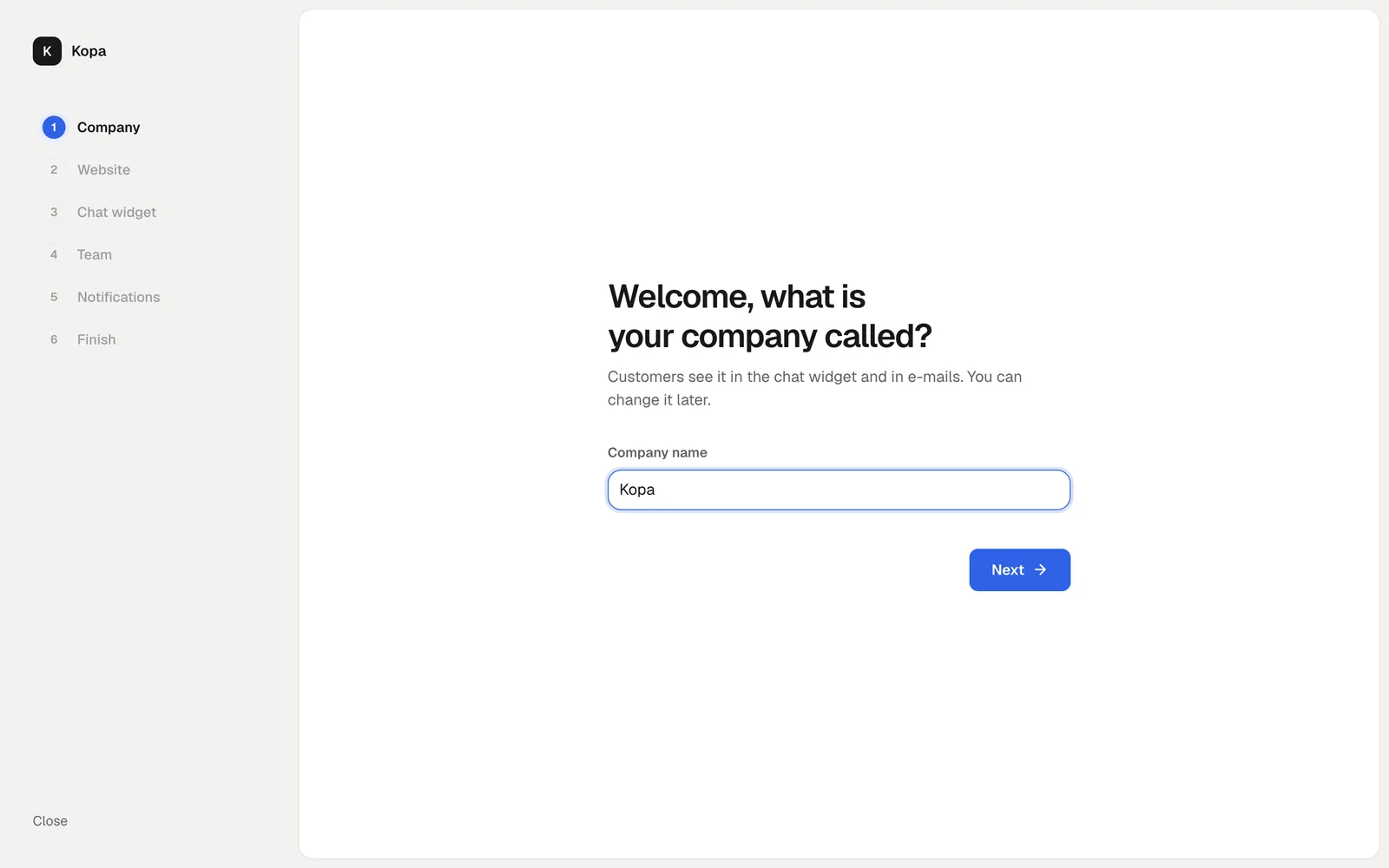
The setup steps
The setup asks how you want to set things up: let your own AI agent do it, or continue yourself. By hand it is 4 short steps, about 5 minutes:
- Website. Where customers will write to you: enter your site's address.
- Chat widget. Copy the embed code or follow the steps for your platform.
- Team. Invite the people who will answer with you.
- Notifications. Choose how you hear about new messages.
You can skip any step and come back later. If you pick the AI agent, see Set up with an AI agent.
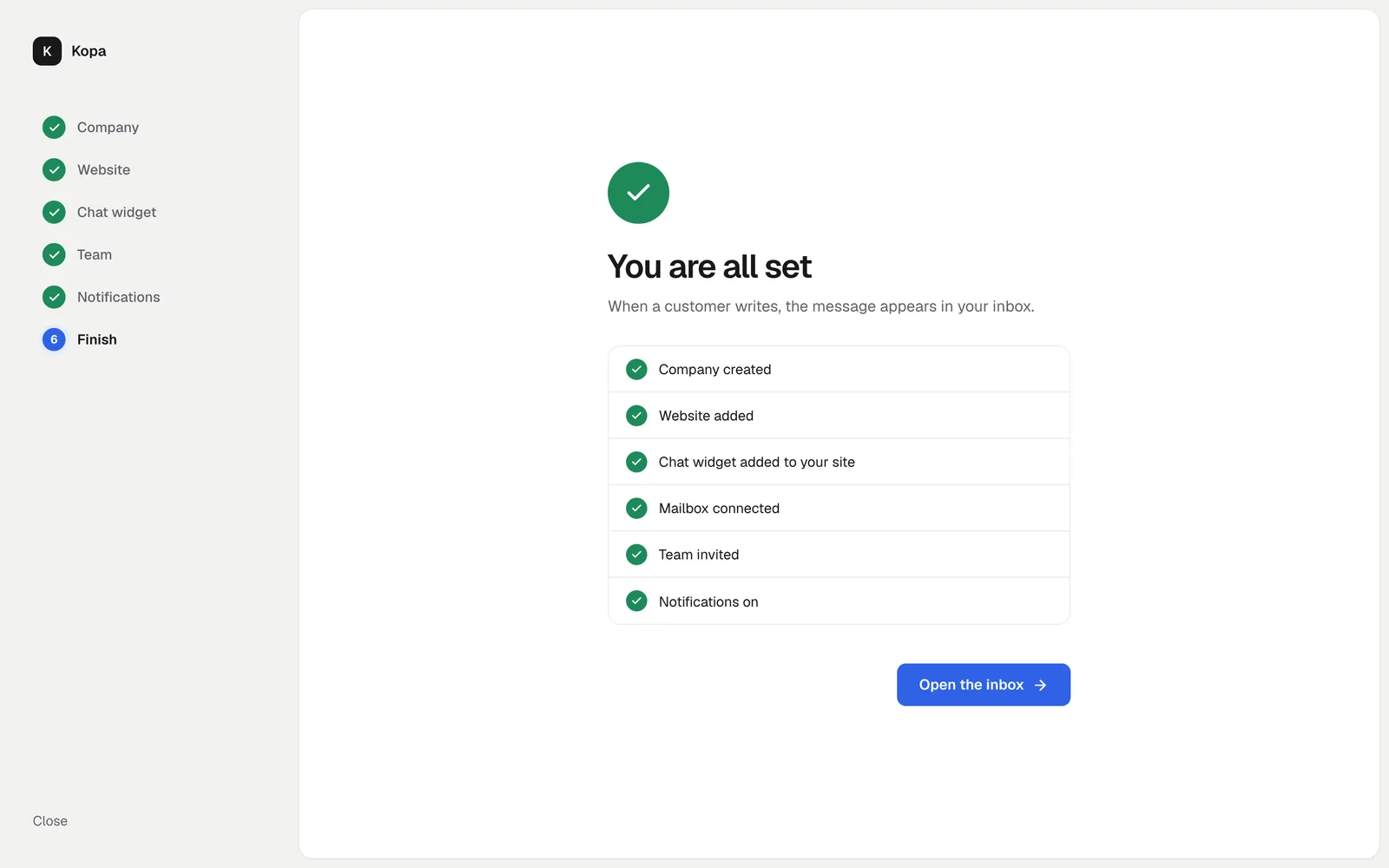
What is free
The chat widget for any number of sites, the inbox with e-mail, a team with no member limit, analytics and AI agents are free forever. So are 50 knowledge base articles, 30 tasks a month and AI to try every month. More on Add-ons and billing.
Did not find the answer? Write to us