



Knowledge base
Answers your customers find on their own
A simple editor, your own address and your colors. AI drafts replies from your articles and helps you write and check them.
No card needed · Sign in with an e-mail code

Tidy from the first article
Sections, articles, images and videos. Publish drafts when they are ready.
- Video playlists remember where the reader stopped
- Translations into other languages
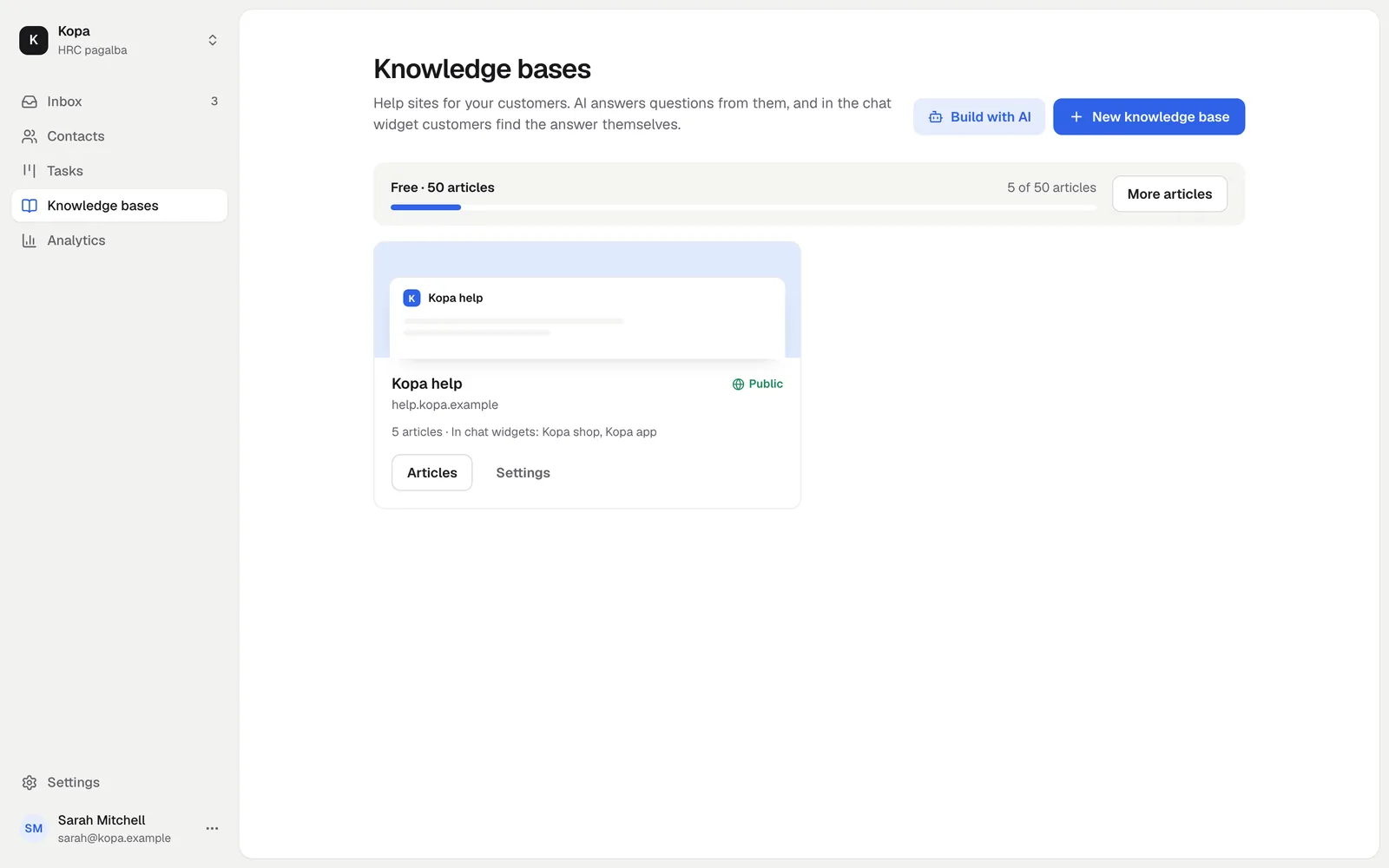
Build it with your own AI
The Build with AI button prepares a task for your AI agent. It reads your site and your customers' questions and writes article drafts.
- Claude, ChatGPT, Codex, Cursor and others over MCP
- You review and publish
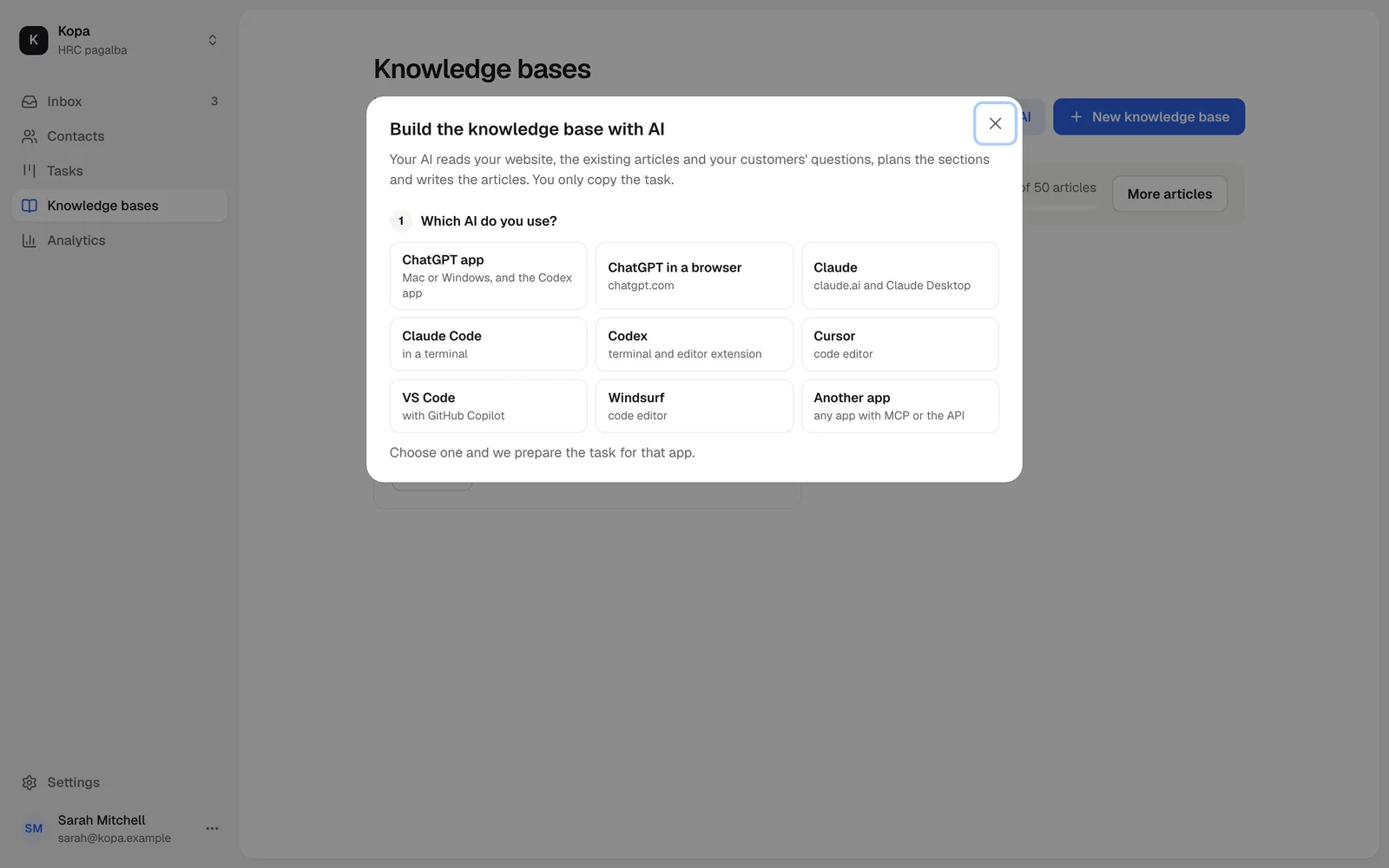
A help site on your own address
The knowledge base runs at name.hrc.lt or on your own subdomain, such as help.example.com.
- Your logo, colors and menu
- Search engines find it
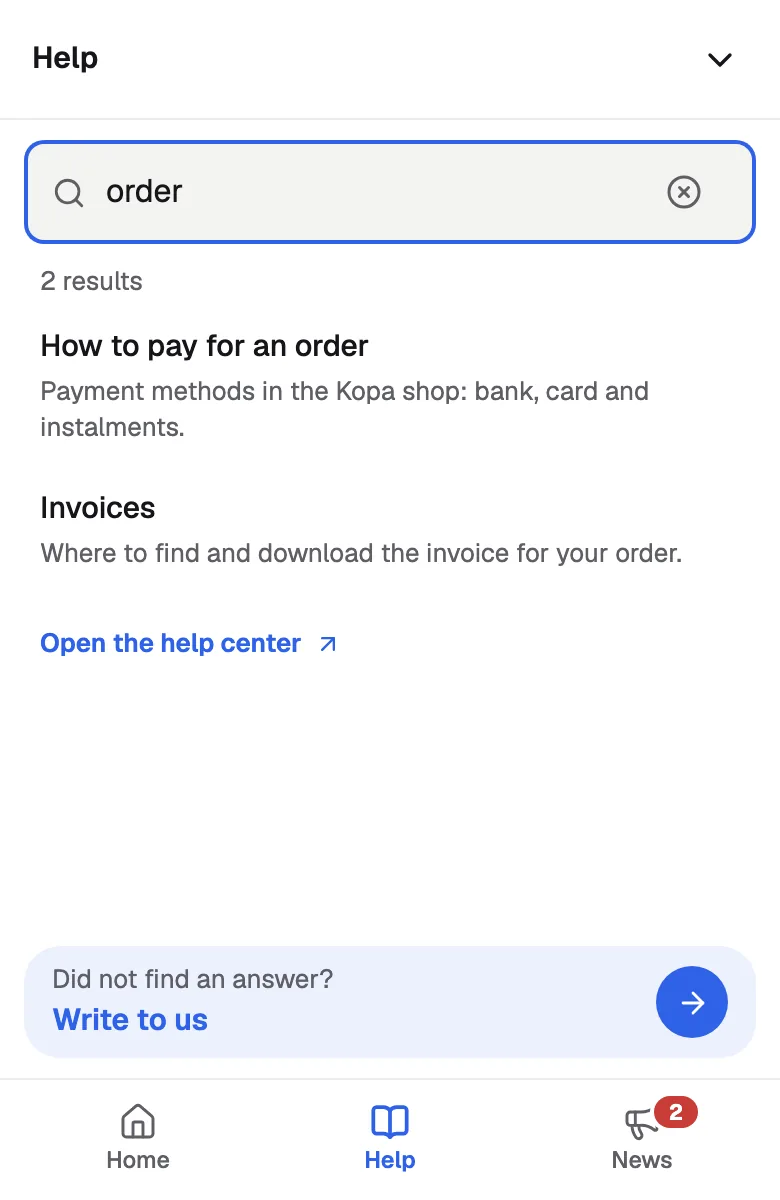
Search inside the chat widget
Customers search in the Help tab and find articles even with typos.
- Analytics shows what they searched for and did not find
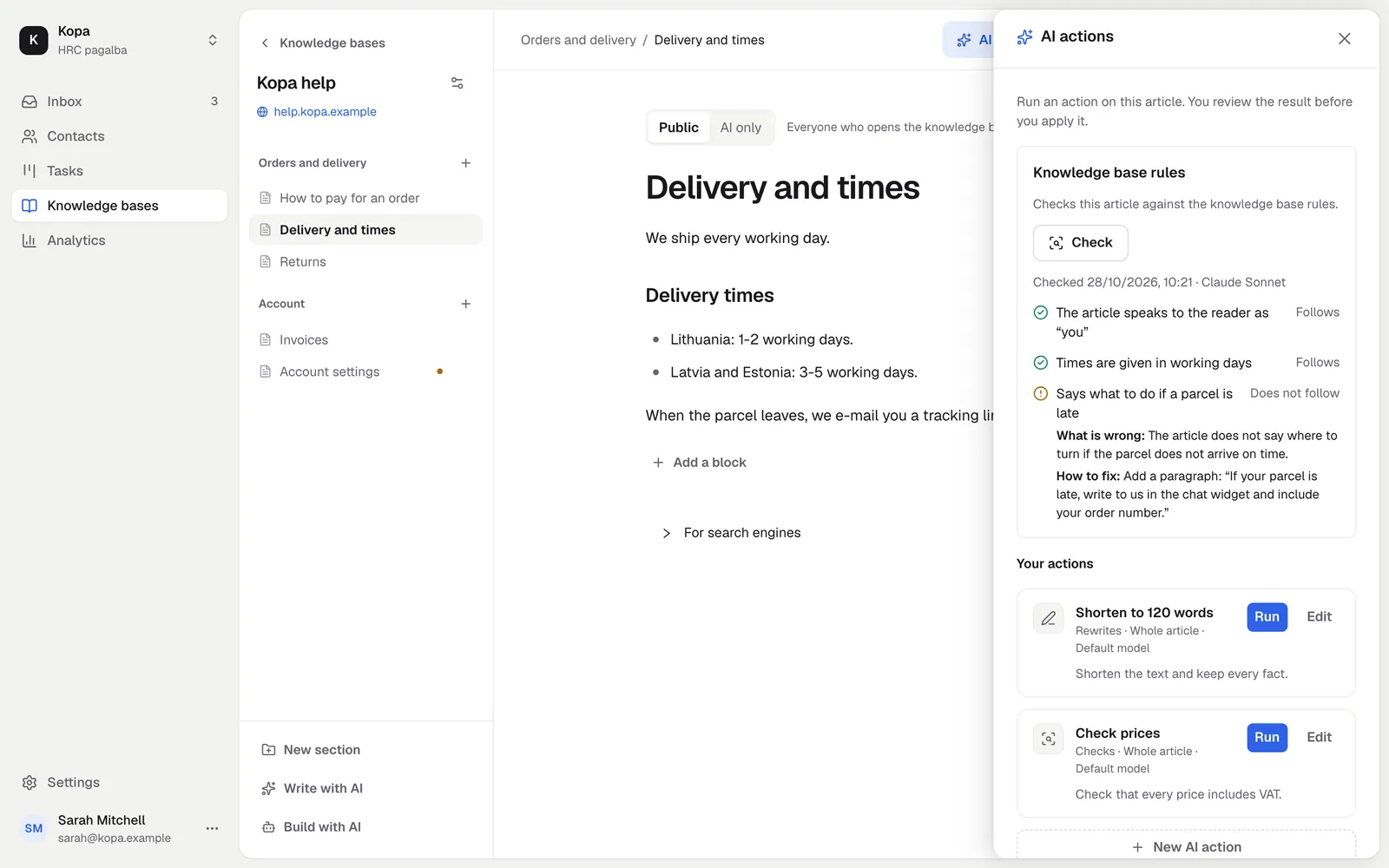
AI checks your articles
Set your rules, and AI checks whether the articles follow them and are still up to date.
How to start
- 1
Create a knowledge base
A name, an address and the first section.
- 2
Write, or build with AI
Yourself or with your own AI agent.
- 3
Publish
On your own address and in the chat widget.
Questions
How many articles are free?
50 articles are free forever. The Knowledge base add-on gives you more.
Can I use my own domain?
Yes. Point a subdomain at kb.hrc.lt with a CNAME record, and the check shows when the address works.