



Chat widget
Talk to customers right on your site
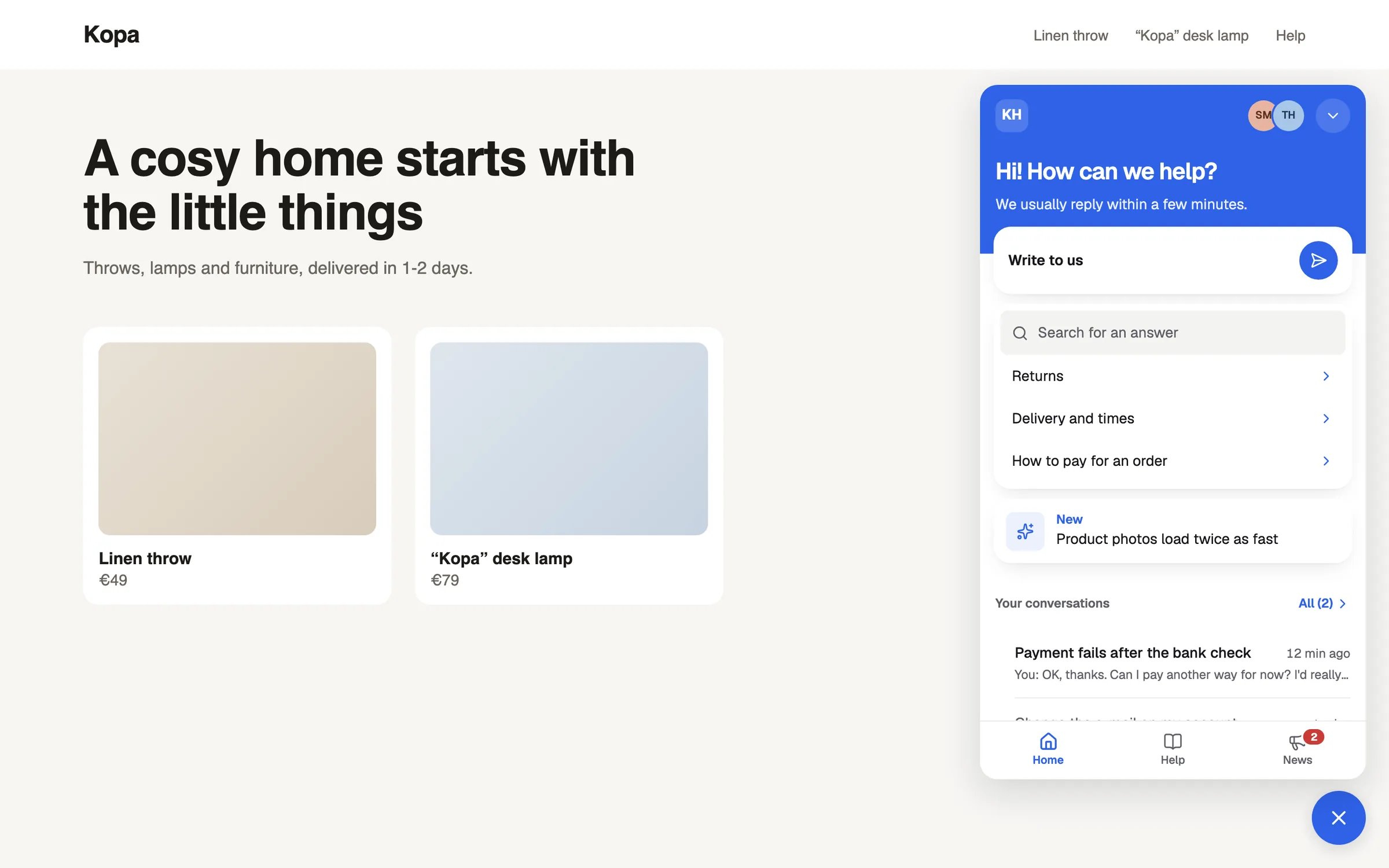
Enter your site's address and the widget is ready in your colors and languages. Customers write, send screenshots and recordings, and you reply from the shared inbox.
No card needed · Sign in with an e-mail code
Set up from your own site
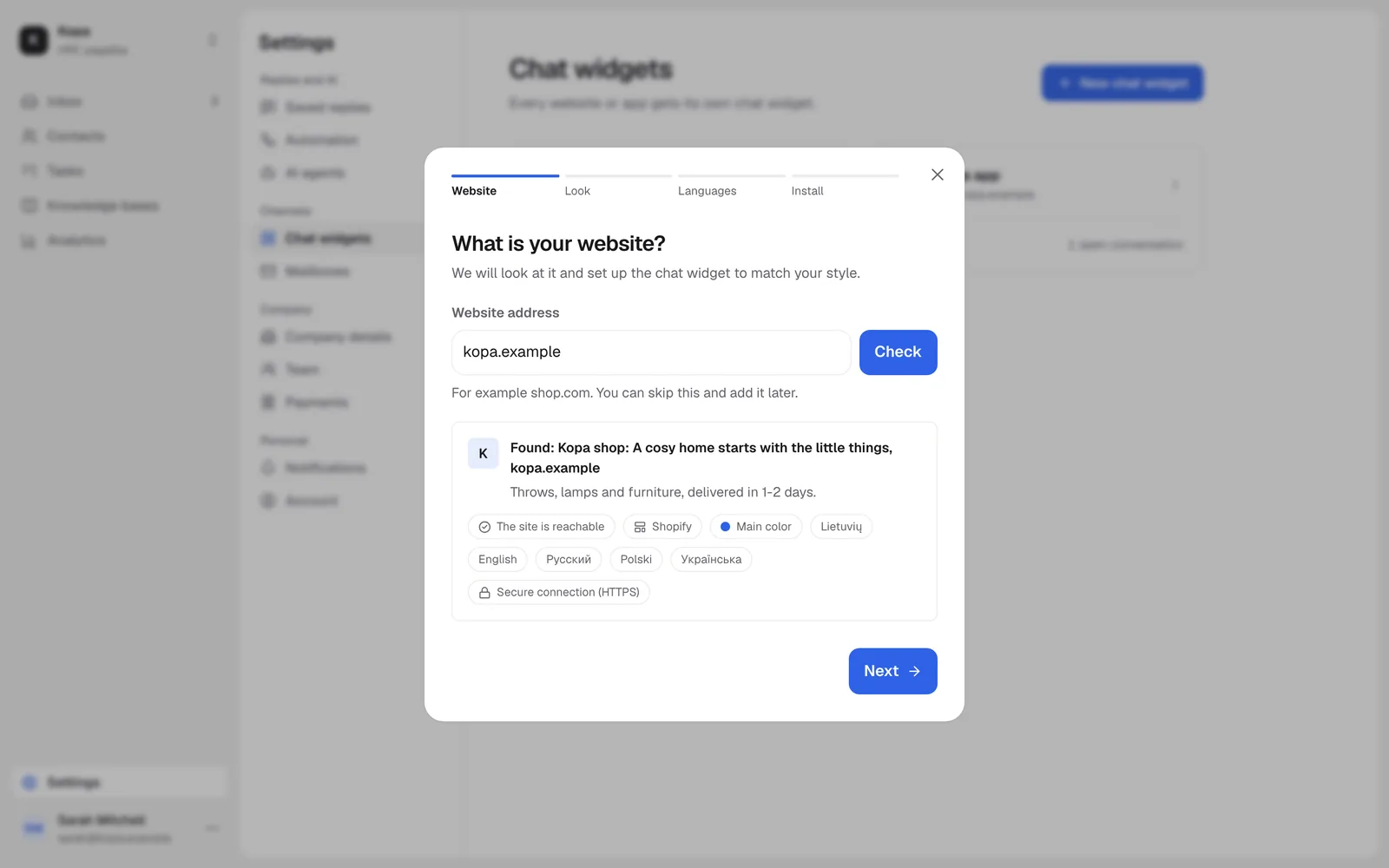
Enter the address and we look at your site and suggest colors, a logo and languages. You can change everything later.
- Ten look settings with a live preview
- Steps for WordPress, Shopify, Wix and Google Tag Manager
Customers show what they see
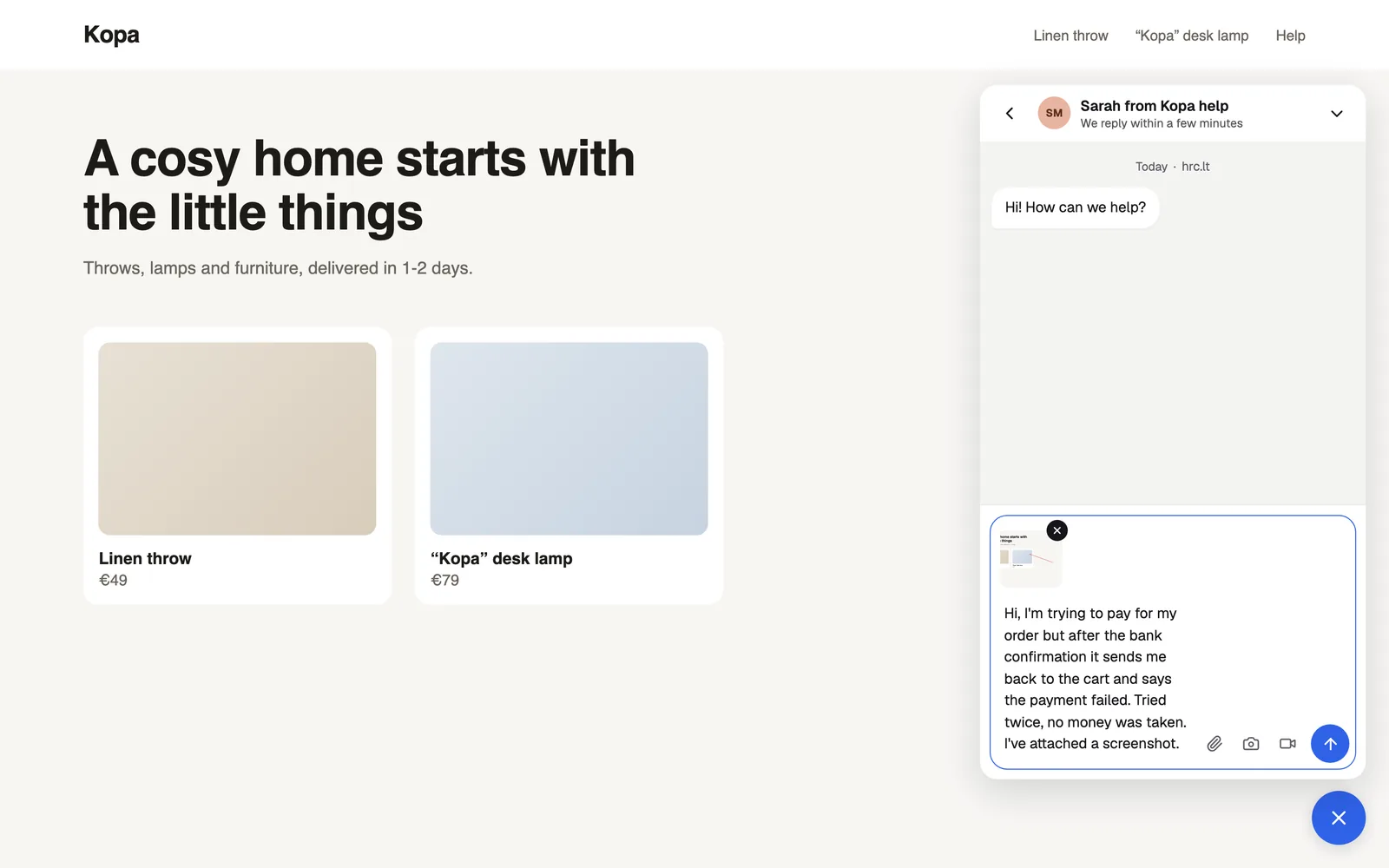
A screenshot in one click, with arrows and hidden areas. A screen recording, no extension needed.
- Bug, idea or question: clear at once
- The page and the browser come along by themselves
Know who is writing
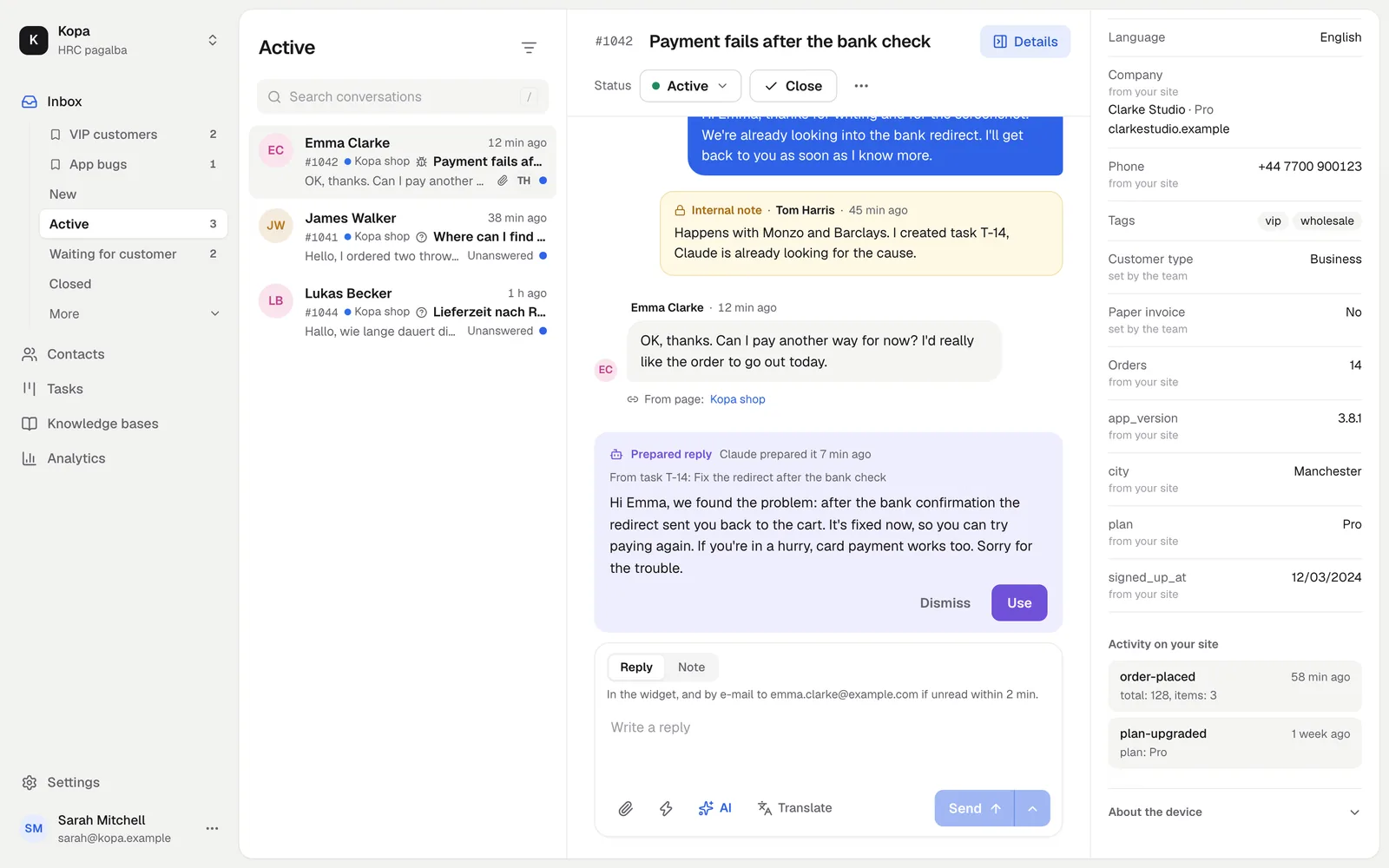
Recognize your signed-in users and pass their plan, company and other details through the JavaScript API. Your team sees them next to the conversation.
- Up to 50 custom fields per contact
- The visitor's latest actions in the sidebar
Speaks your customers' language
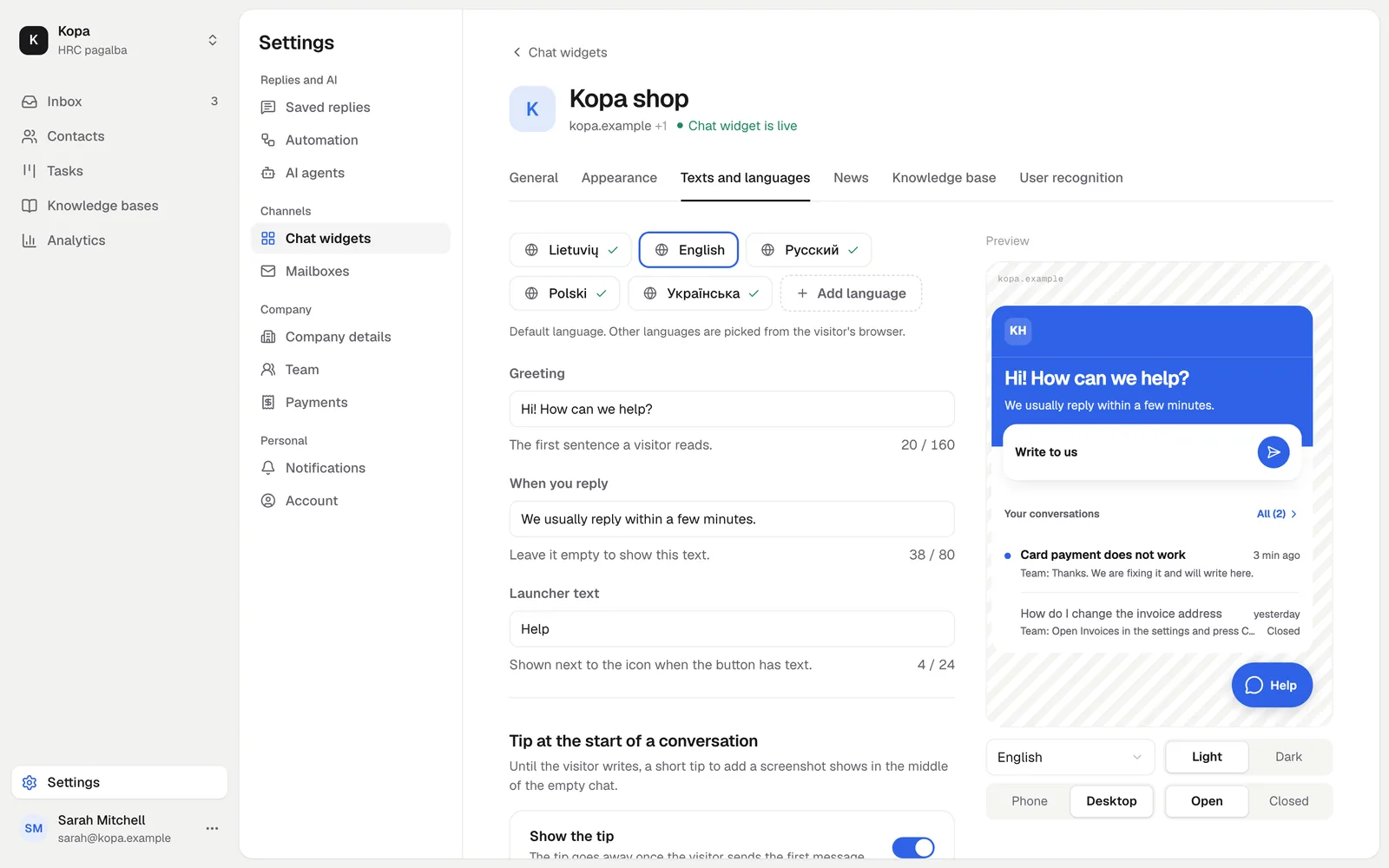
31 languages are ready out of the box, and you can write your own texts for each. The widget picks the language from the browser or from your setting.
- Greeting and reply time per language
- Right-to-left languages too
Answers and news without a conversation
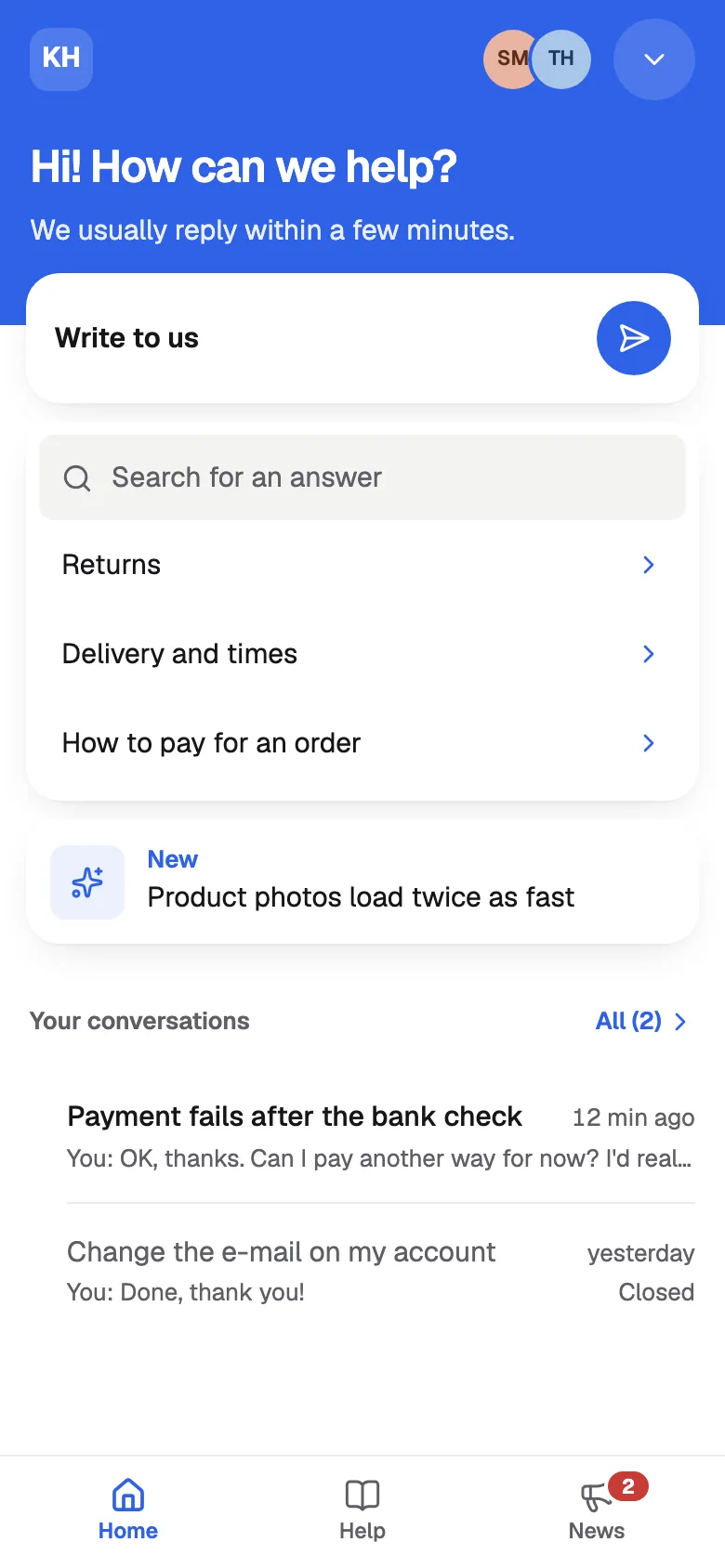
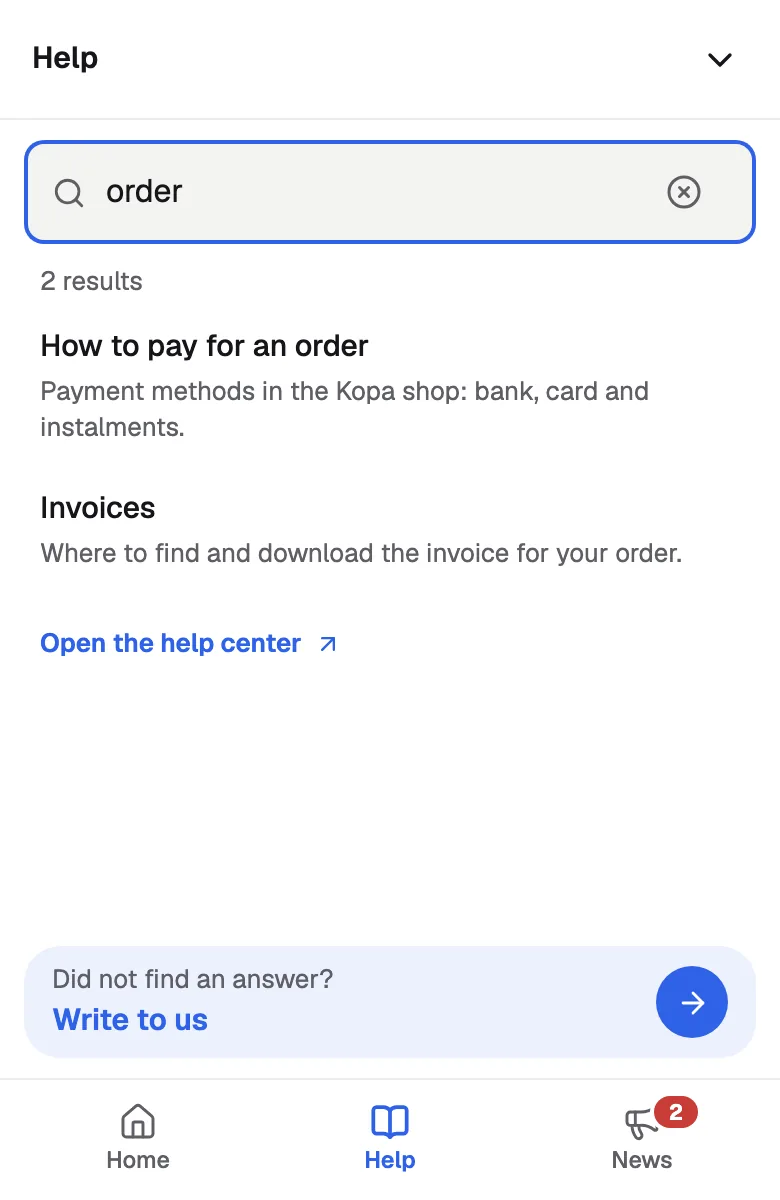
Link a knowledge base and customers find articles themselves in the Help tab. The News tab shows them what changed.
- Search finds articles even with typos
How to start
- 1
Add the code
Enter your site's address and copy the one-line code.
- 2
Make it yours
Pick colors, texts and languages with a live preview.
- 3
Pass user details
If you like, tell the widget who the visitor is through the JavaScript API.
Questions
Will the widget slow my site down?
No. Your site loads only a small loader, and the browser loads the widget itself when it is idle.
Does the widget use cookies?
Until a visitor writes or is recognized, the widget stores nothing in their browser.
Can I hide the launcher button?
Yes. Set launcher: 'hidden' and open the widget from your own button with the JavaScript API command open.