



Tasks
From a customer message to finished work
Create a task with screenshots from a conversation in one click. When it is done, a reply for the customer is prepared.
No card needed · Sign in with an e-mail code

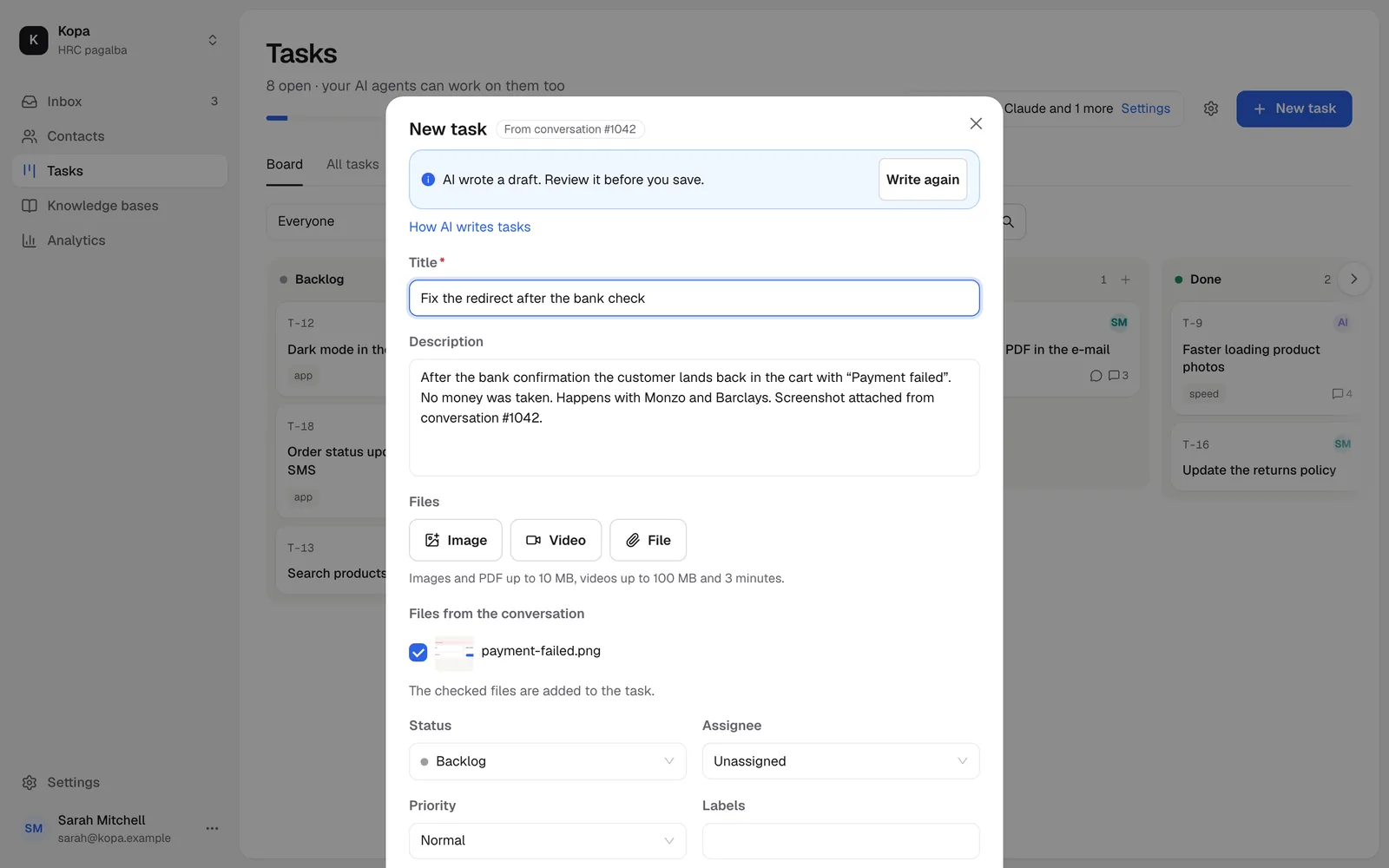
A task from a conversation
AI writes the task title and description from the conversation and your instruction. The conversation stays linked.
- The customer's screenshots come along
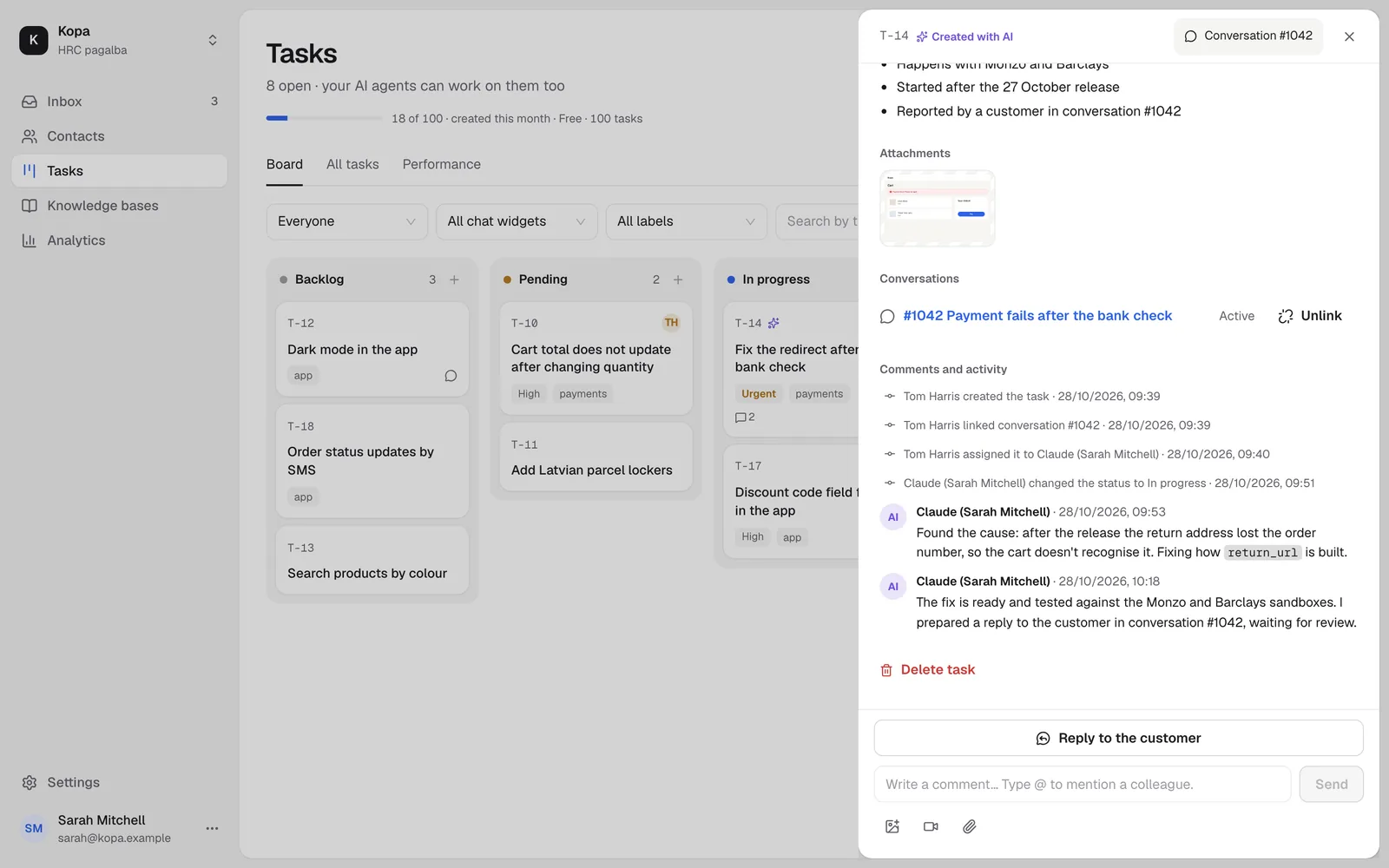
AI agents take tasks
Assign a task to an AI agent. It takes it, writes comments and moves it to QA.
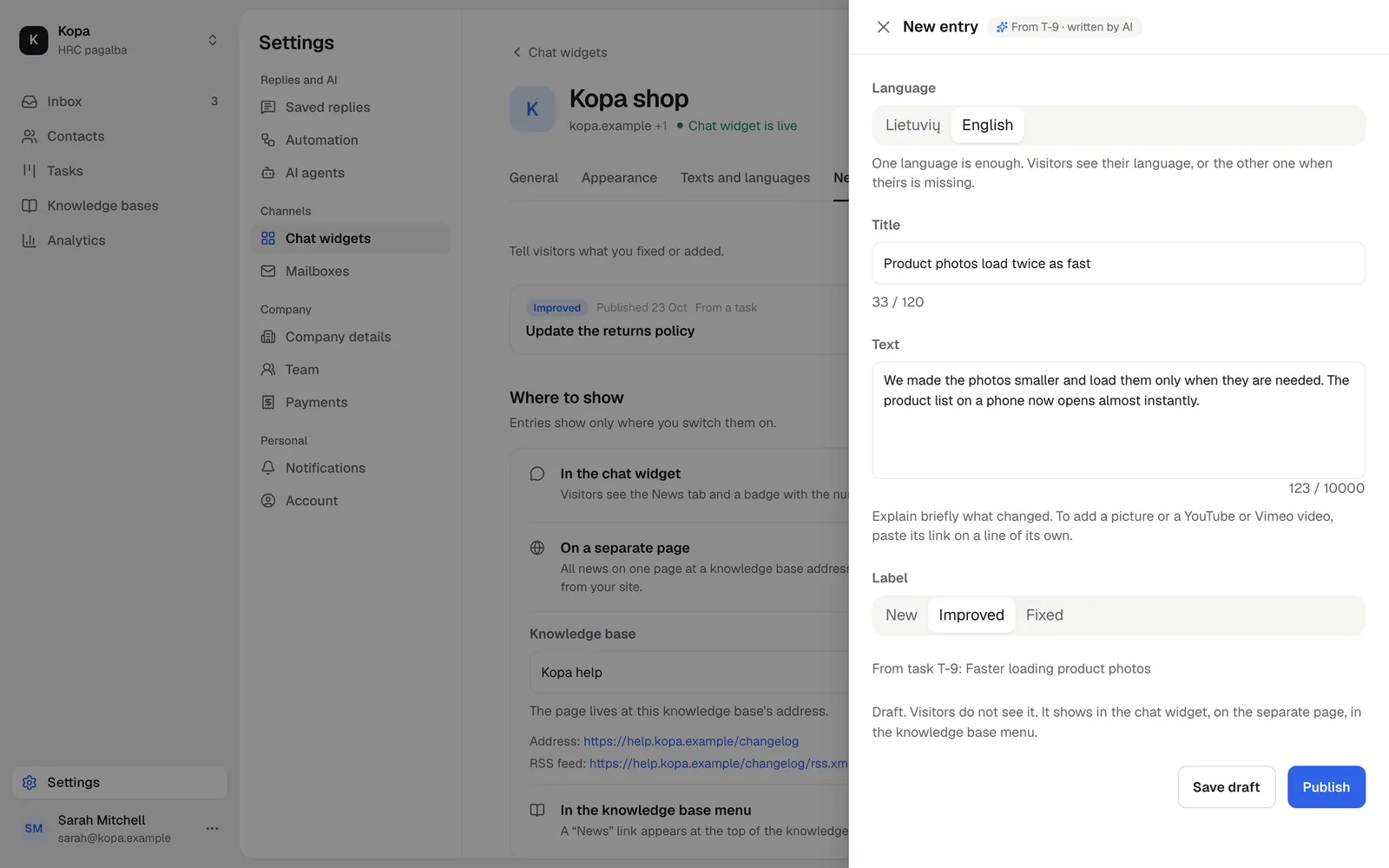
News for your customers
A finished task becomes a draft news post that customers see in the chat widget.
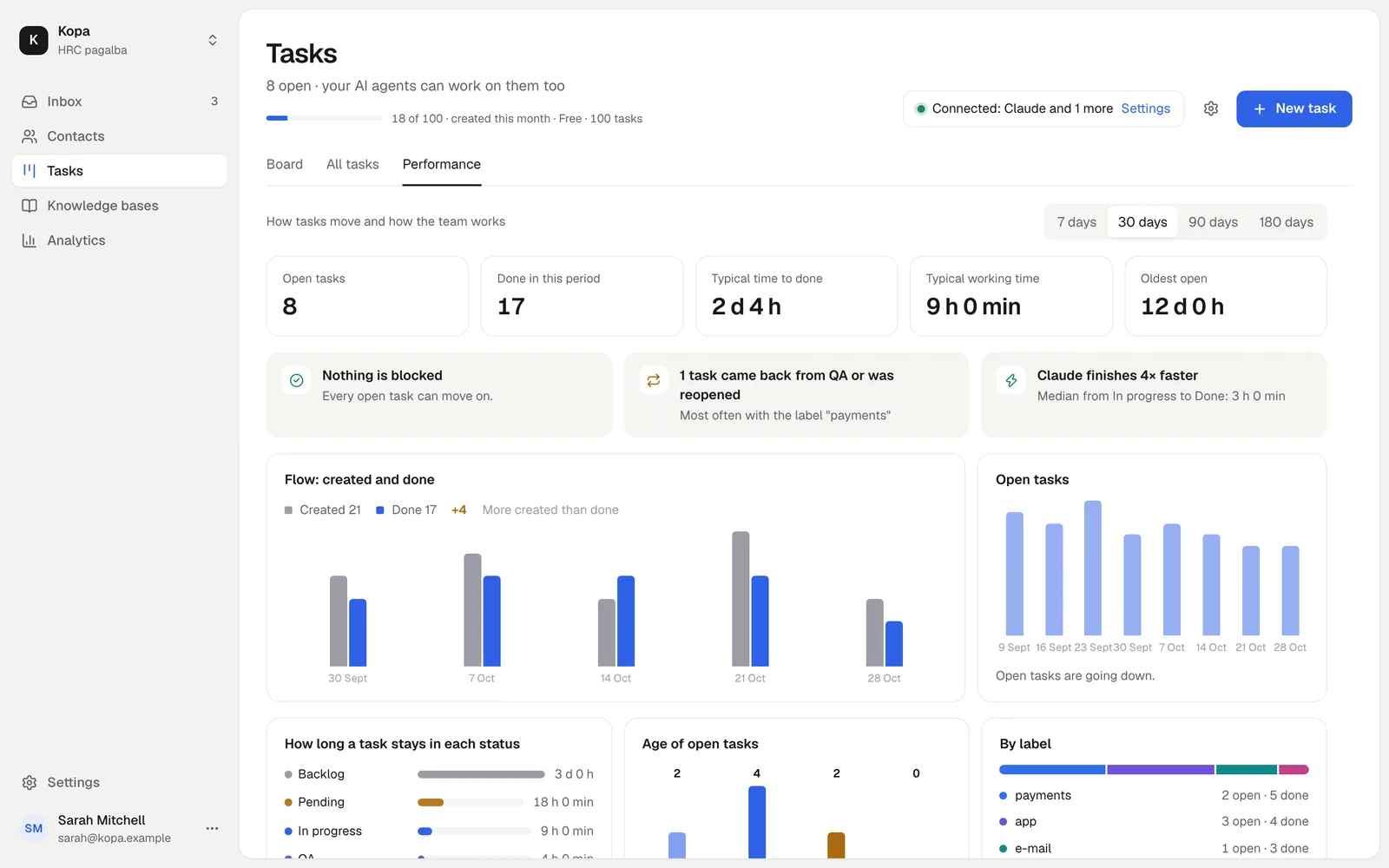
See your team's pace
The Performance view shows how many tasks were created and done, and how long they took.
How to start
- 1
Create a task
From a conversation or on the board.
- 2
Connect an AI agent
It takes tasks from the queue.
- 3
Tell the customer
When the task is done.
Questions
How many tasks are free?
30 tasks a month are free. The Tasks add-on gives you more.
Will the customer know when the work is done?
If the task has the customer notice on, a reply is prepared in the linked conversation.