



Documentation contents
Inbox and e-mail
Knowledge base
Files
Analytics
Account and billing
Create a knowledge base
Updated
A knowledge base is a site of help articles your customers read on their own. AI also takes the facts for reply drafts from it.
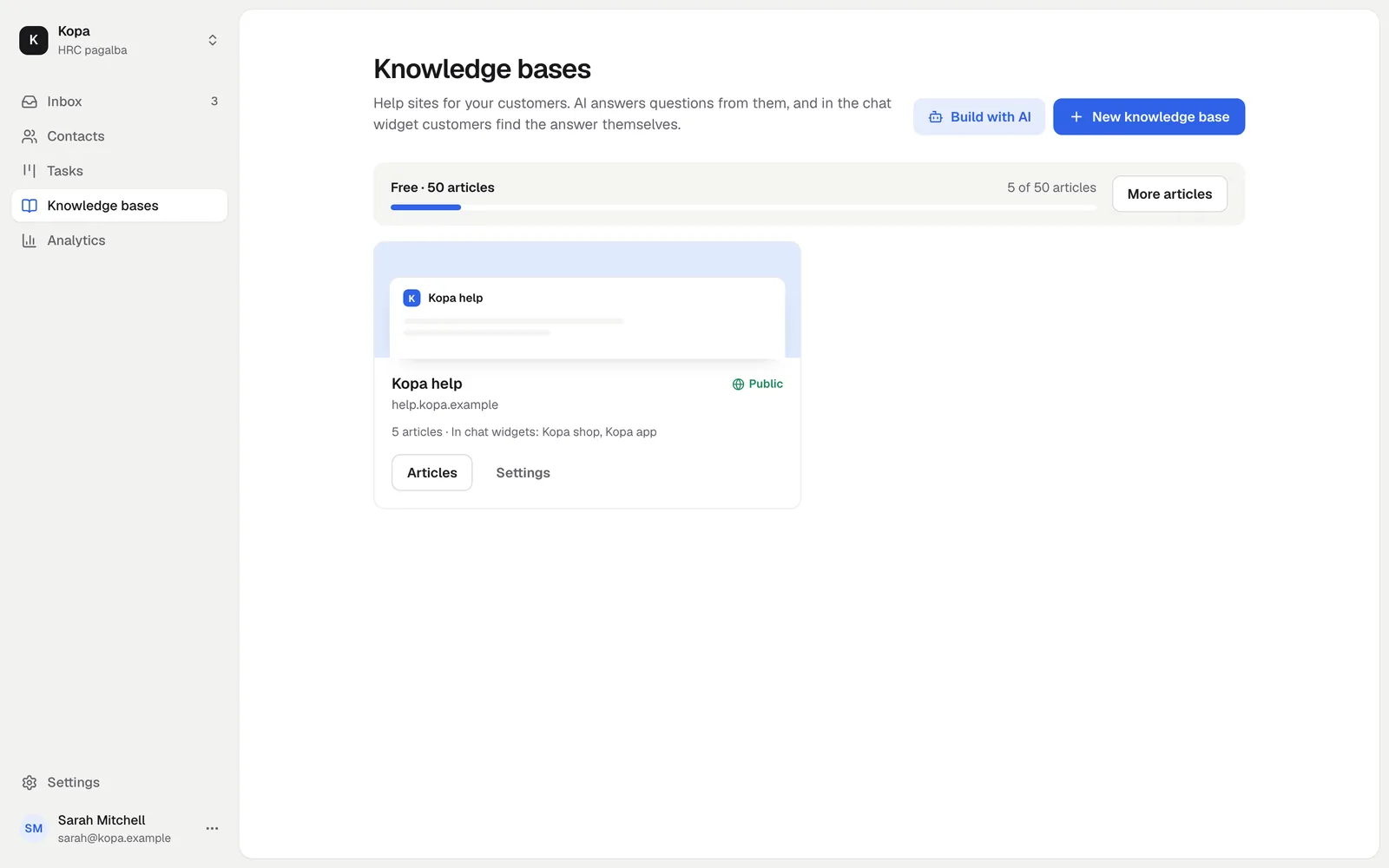
Create a knowledge base
In Knowledge bases, add a new knowledge base and enter its name, its address name.hrc.lt and its main language. A new knowledge base starts hidden until you publish it.
Sections and articles
Articles are grouped in sections. You can change the order of sections and articles. An empty section can be deleted.
The editor
You write as in an ordinary document: headings, lists, links, tables, images and videos. The text is stored as Markdown, so AI agents can write it too.
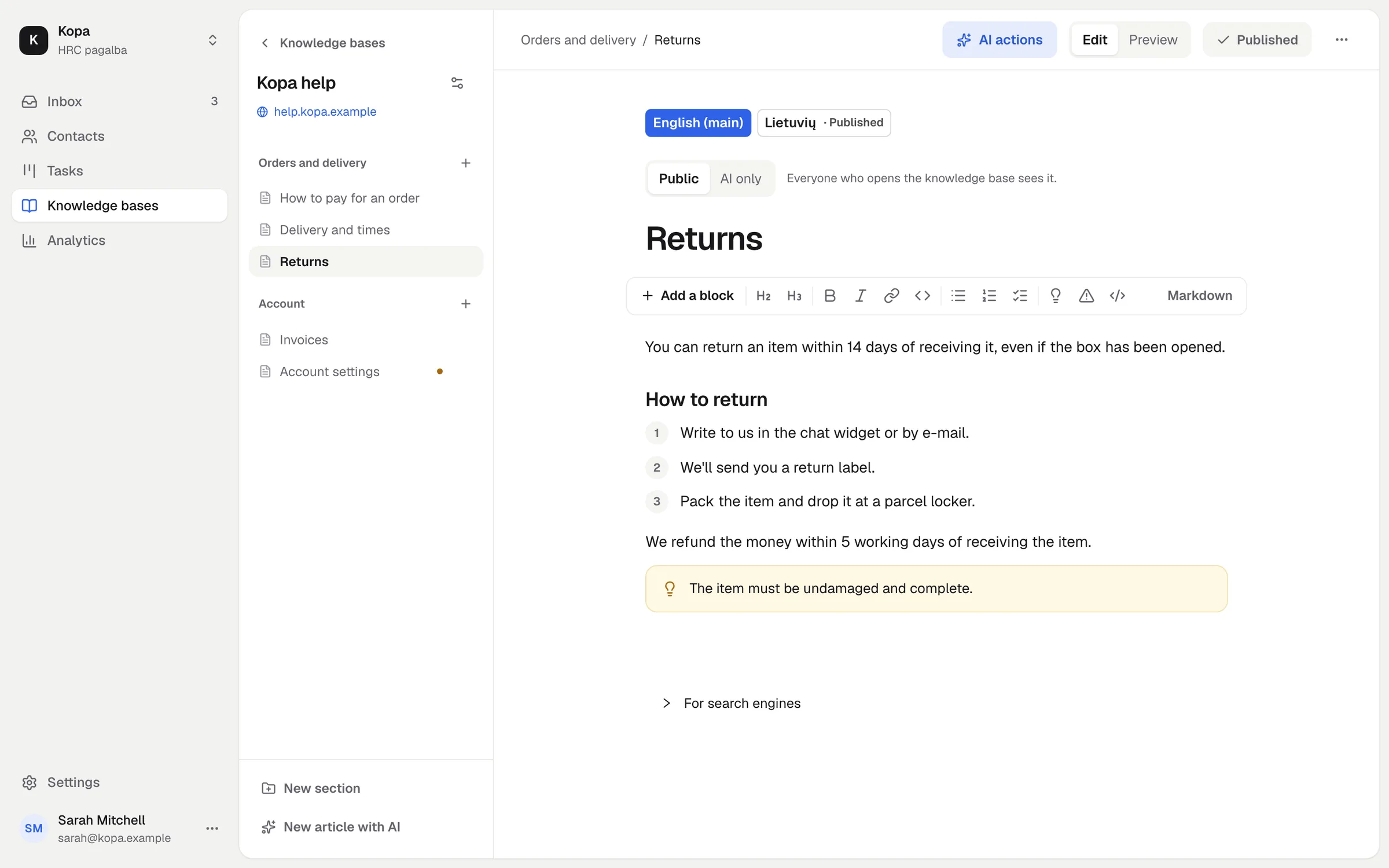
Images and videos
Upload images and videos straight into the article. Several videos can form a playlist that remembers where the reader stopped.
Draft and publish
A new article is a draft. Readers see it only once it is published. When you change a published article, readers see the old text until you publish the new one.
Languages and translations
Add languages to the knowledge base. Every article can have a translation; AI can translate the missing articles, and translations arrive as drafts.
What it costs
50 articles are free forever. The Knowledge base add-on gives you more, see Add-ons and billing.
Did not find the answer? Write to us