



Documentation contents
Inbox and e-mail
Knowledge base
Files
Analytics
Account and billing
AI agents on tasks and news for customers
Updated
A connected AI agent can work on tasks like a team member: take them from the queue, write what it does and prepare a reply for the customer.
How an AI agent takes tasks
task_queuereturns the tasks it should work on: first those assigned to it, then pending tasks with no assignee, if you allow that.task_takeassigns the task to it and moves it to "In progress".task_comment_createwrites its progress in comments.- When it is finished it moves the task to QA. To "Done" only if you allowed it to finish tasks in the AI agent's settings.
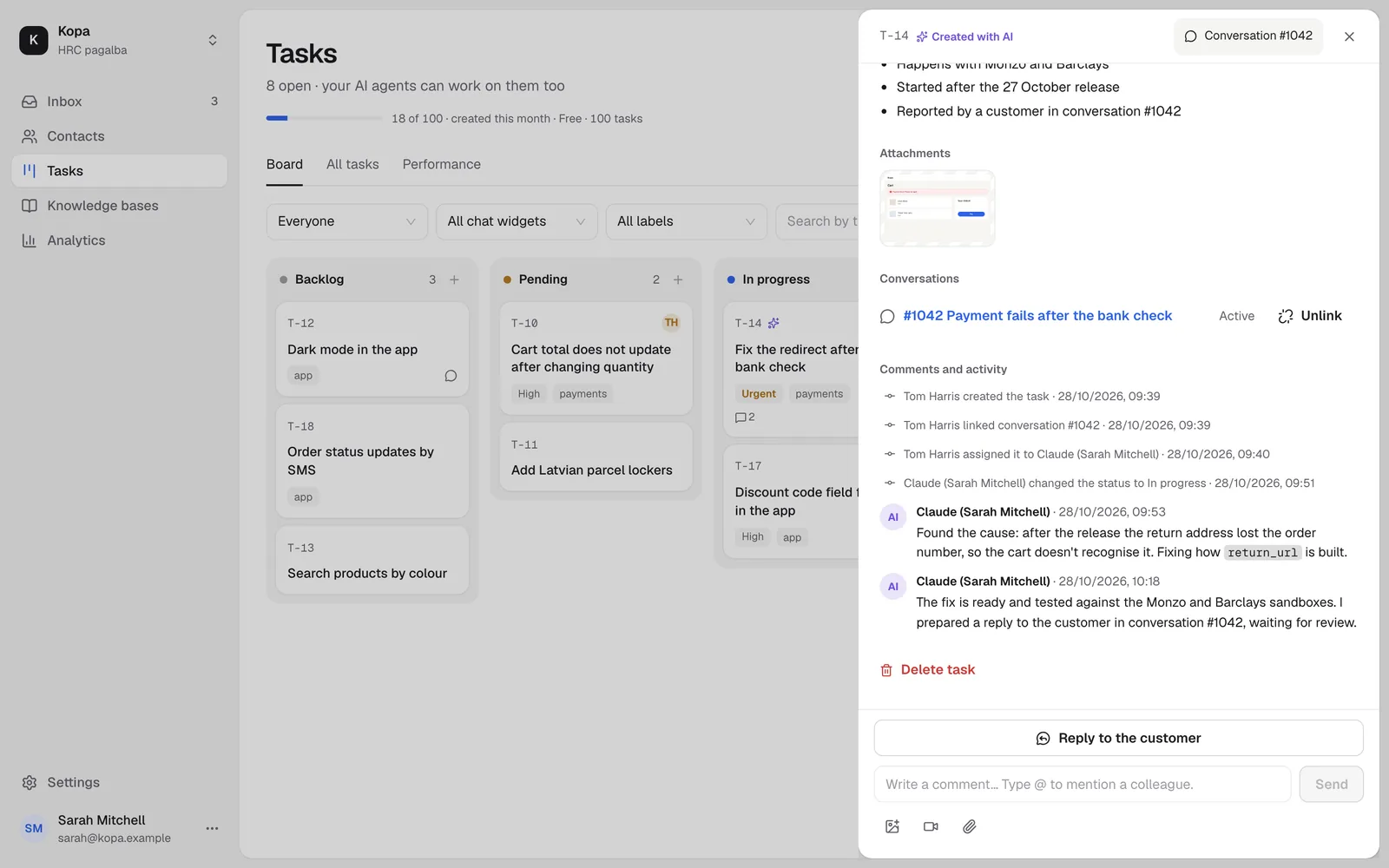
In the AI agent's settings, choose whether it takes only tasks assigned to it or also pending tasks with no assignee, and whether it may finish tasks.
A reply for the customer
If the task has the customer notice on, the AI agent leaves a prepared reply in the linked conversation (prepared_reply_replace with the task id). A member reviews and sends it.
News for your customers
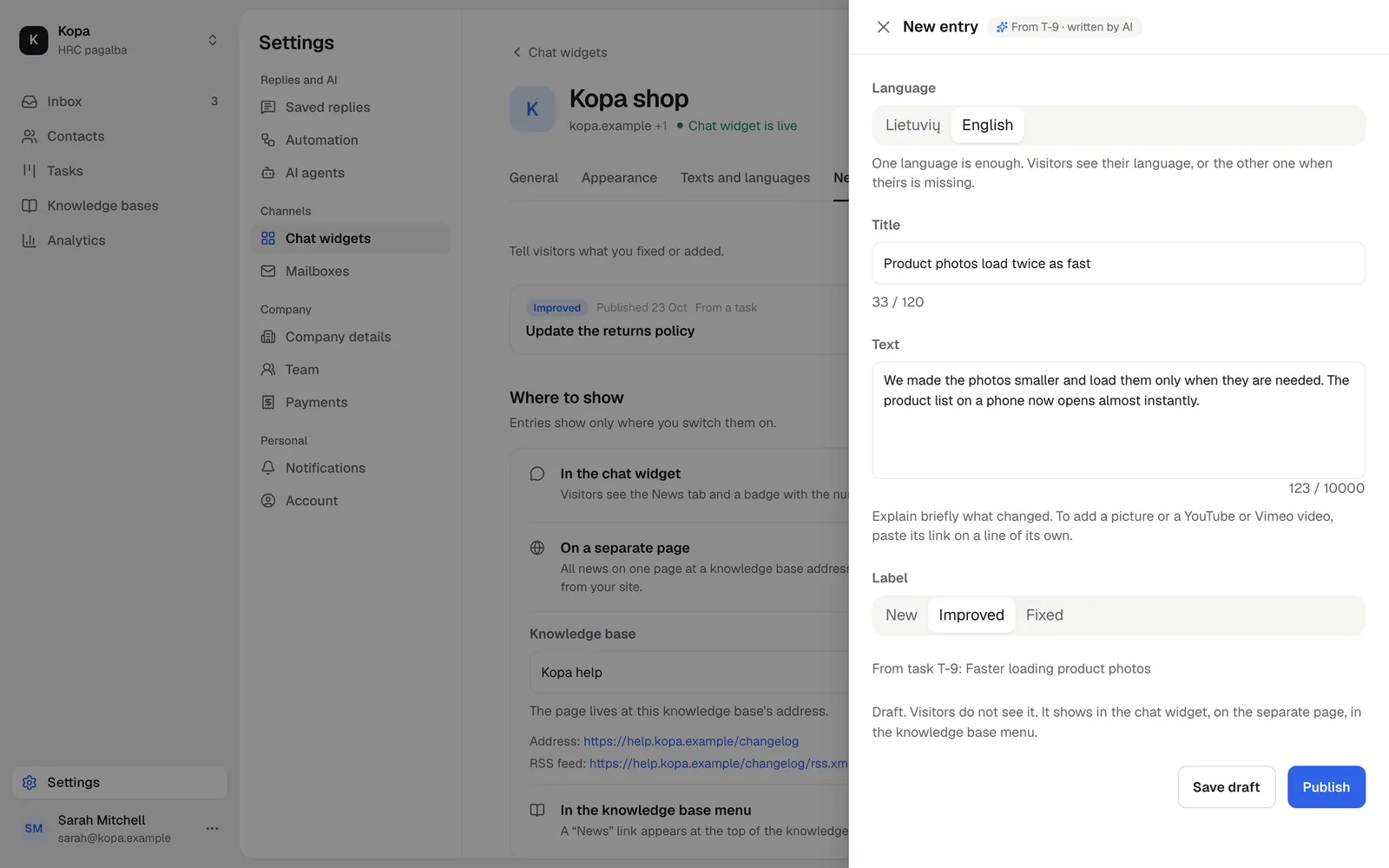
A finished task can become a news post. Published posts show in the News tab of the chat widget.
How to connect an AI agent: Connect an AI agent over MCP.
Did not find the answer? Write to us