



Documentation contents
Inbox and e-mail
Knowledge base
Files
Analytics
Account and billing
Chat widget settings
Updated
Each chat widget's settings are in Settings, Chat widgets. Changes show on your site at once; there is no code to change.
General
The name (you see it in the inbox), the allowed domains, "Allow localhost" for development, and a switch that turns the widget off for a while. Deleting the widget is here too: only an owner can do it, and the widget goes with its settings.
Install
The embed code with your key, the platform steps and a check that the widget has loaded on your site. See Embed code, React and CSP.
Appearance
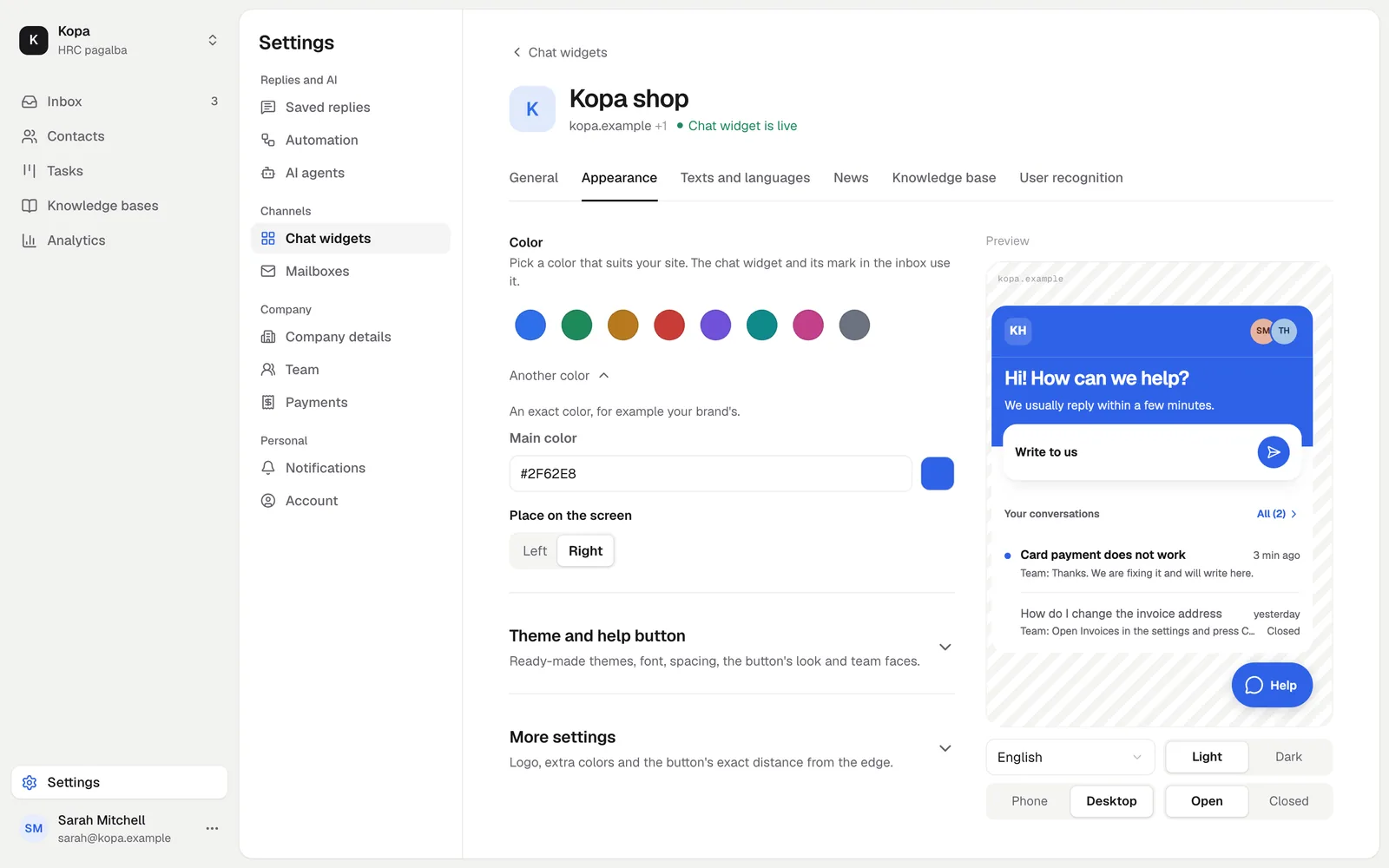
The color, a light or dark theme (or the visitor's browser setting) and the other look settings. Next to them you see a live preview of what the visitor gets.
Texts and languages
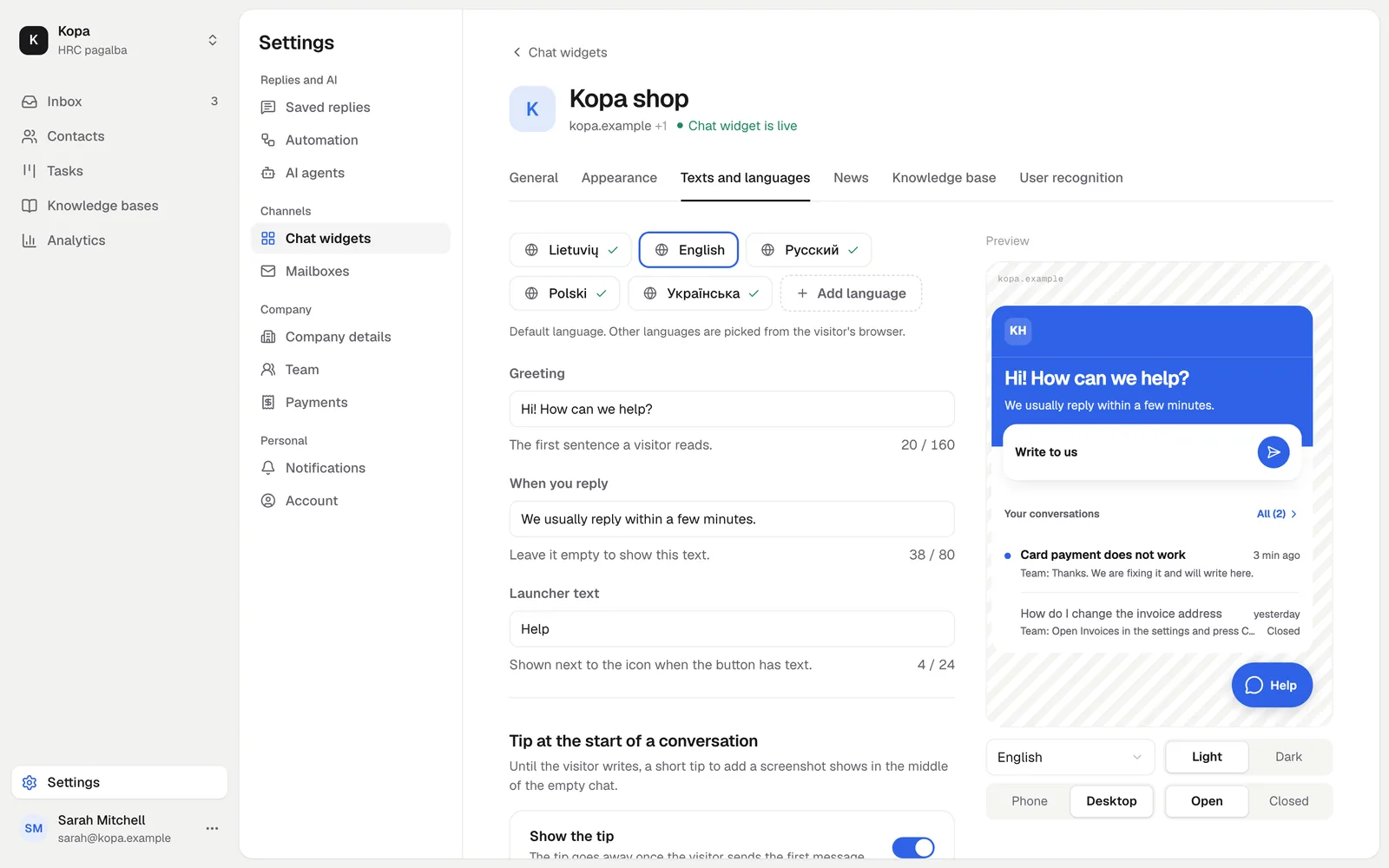
The greeting, the reply time and the launcher label for each language. You add languages here. How the widget picks a language: Languages.
News and Knowledge base
The News tab shows customers what changed. On the Knowledge base tab you link a knowledge base so customers find articles in the widget. See Knowledge base in the chat widget.
User recognition
Recognizing signed-in users, the identity key and the "Signed-in users only" mode. See Identity verification.
Did not find the answer? Write to us