



Documentation contents
Inbox and e-mail
Knowledge base
Files
Analytics
Account and billing
Recognizing and merging contacts
Updated
A contact is a person you talk to. This page explains how the same person becomes one contact, how visitors are recognized and how contacts are merged or deleted. Stages, lists and reminders: Contacts and lists.
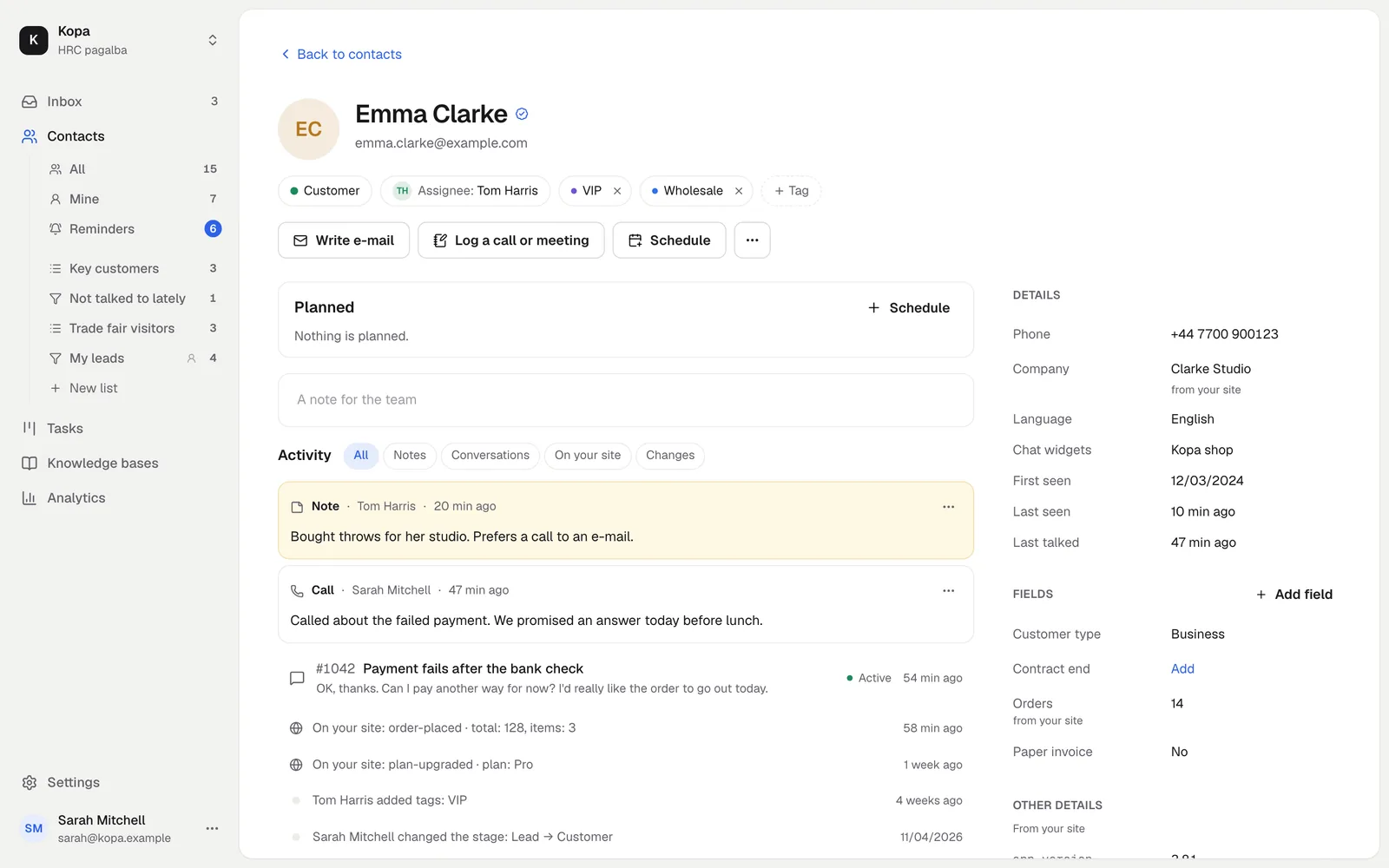
One contact everywhere
The same person writing through several chat widgets and by e-mail is one contact. They are joined by a verified e-mail or by your site's user id (Identity verification).
Anonymous visitors
Until a visitor gives an e-mail or is recognized, they show as "Visitor" with a short number. Once recognized, the anonymous contact is merged into the recognized one.
Profile and activity
The contact page shows the company, phone, tags, custom fields with their source and all recorded activity. How to send them from your site: Visitor profile.
Merging and deleting
You can merge two contacts of the same person by hand. Deleting a contact deletes its conversations, profile and activity. Before deleting, the app shows what will be lost.
Did not find the answer? Write to us