



Documentation contents
Inbox and e-mail
Knowledge base
Files
Analytics
Account and billing
Invite your team
Updated
There is no limit on team members, and they are free. Every member sees the same inbox and can reply to customers.
Invite a member
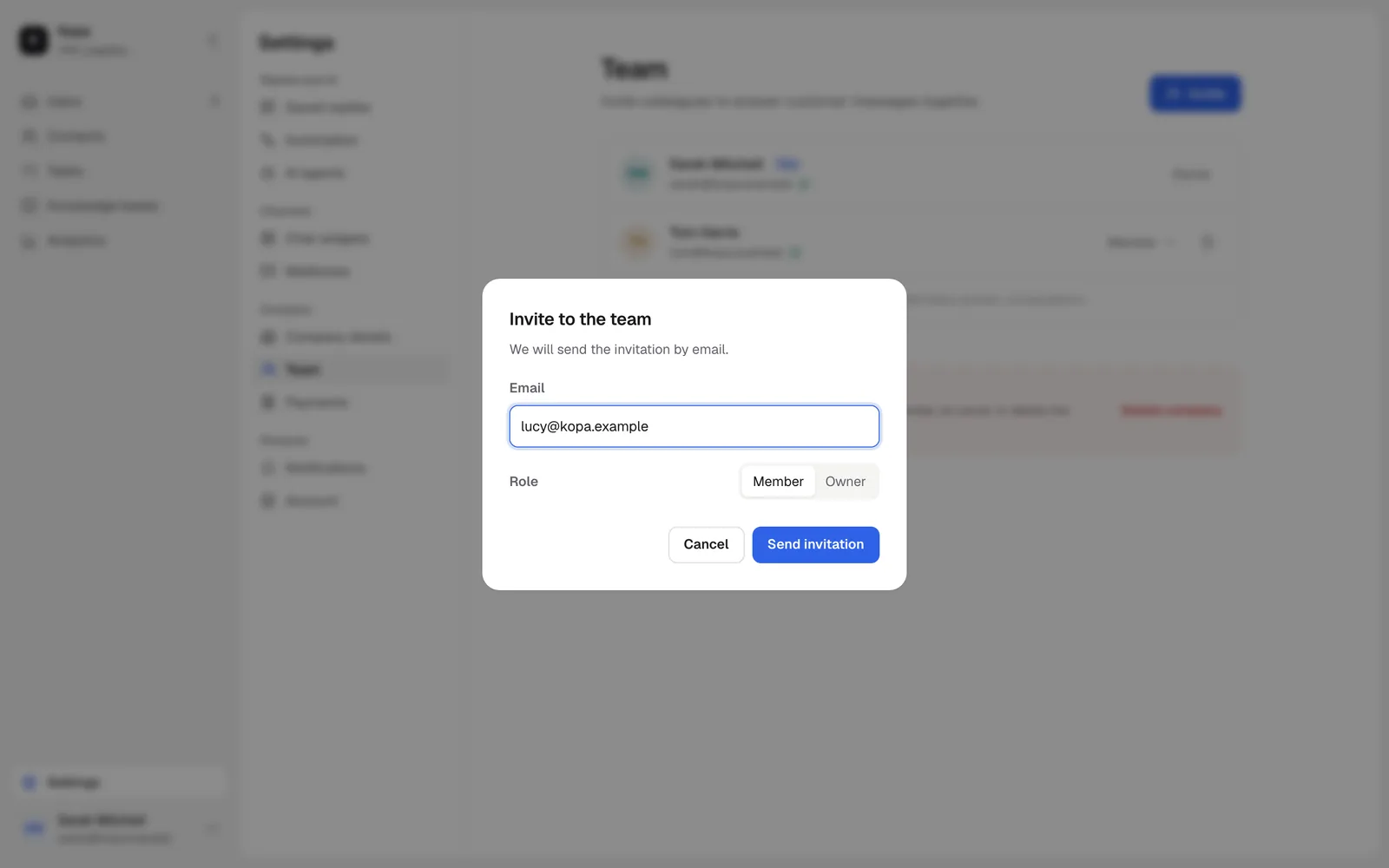
Open Settings, Members and enter your colleague's e-mail address. They get an invitation by e-mail and sign in with a sign-in code. You can send the invitation again or cancel it while it is open.
Owners and members
- Owners change the company name and logo, buy add-ons, create and delete chat widgets, connect mailboxes and invite members.
- Members reply to conversations, write notes, create tasks and articles. They can see the company settings but cannot change them.
Everyone changes their own name on the Account page.
Notifications for each member
Each member chooses how they hear about new messages: in Telegram or with a browser notification. See Notifications.
Did not find the answer? Write to us