



Documentation contents
Inbox and e-mail
Knowledge base
Files
Analytics
Account and billing
Set up with your AI agent
Updated
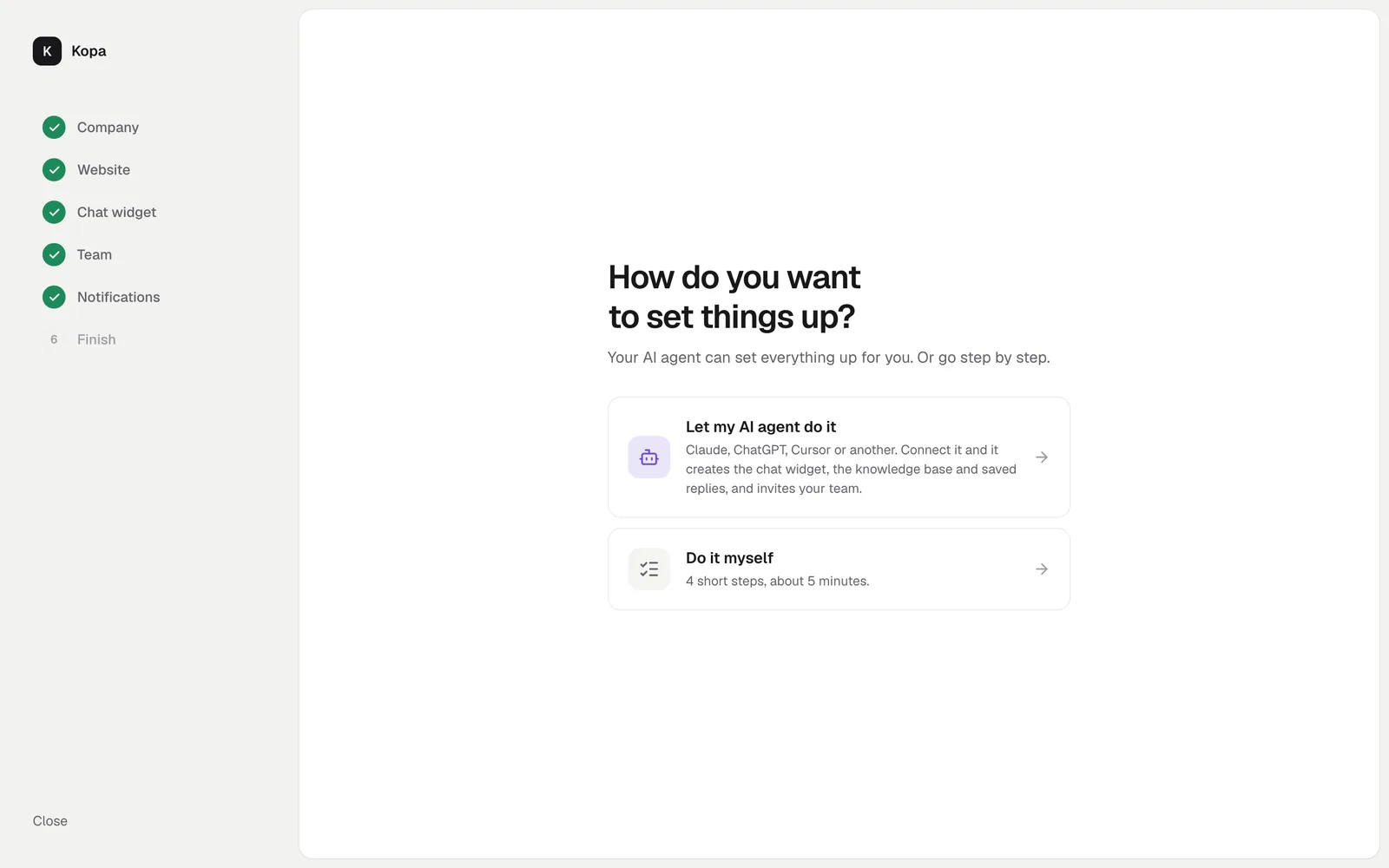
When you create a company, the setup asks how you want to set things up. With "Let my AI agent do it", your AI app creates the chat widget, the knowledge base and saved replies over MCP, and you only review them.
Turn on AI agents
The company owner turns on "Allow AI agents to connect" in Settings, AI agents. The setup does it for you. AI agents are free.
Connect your AI app
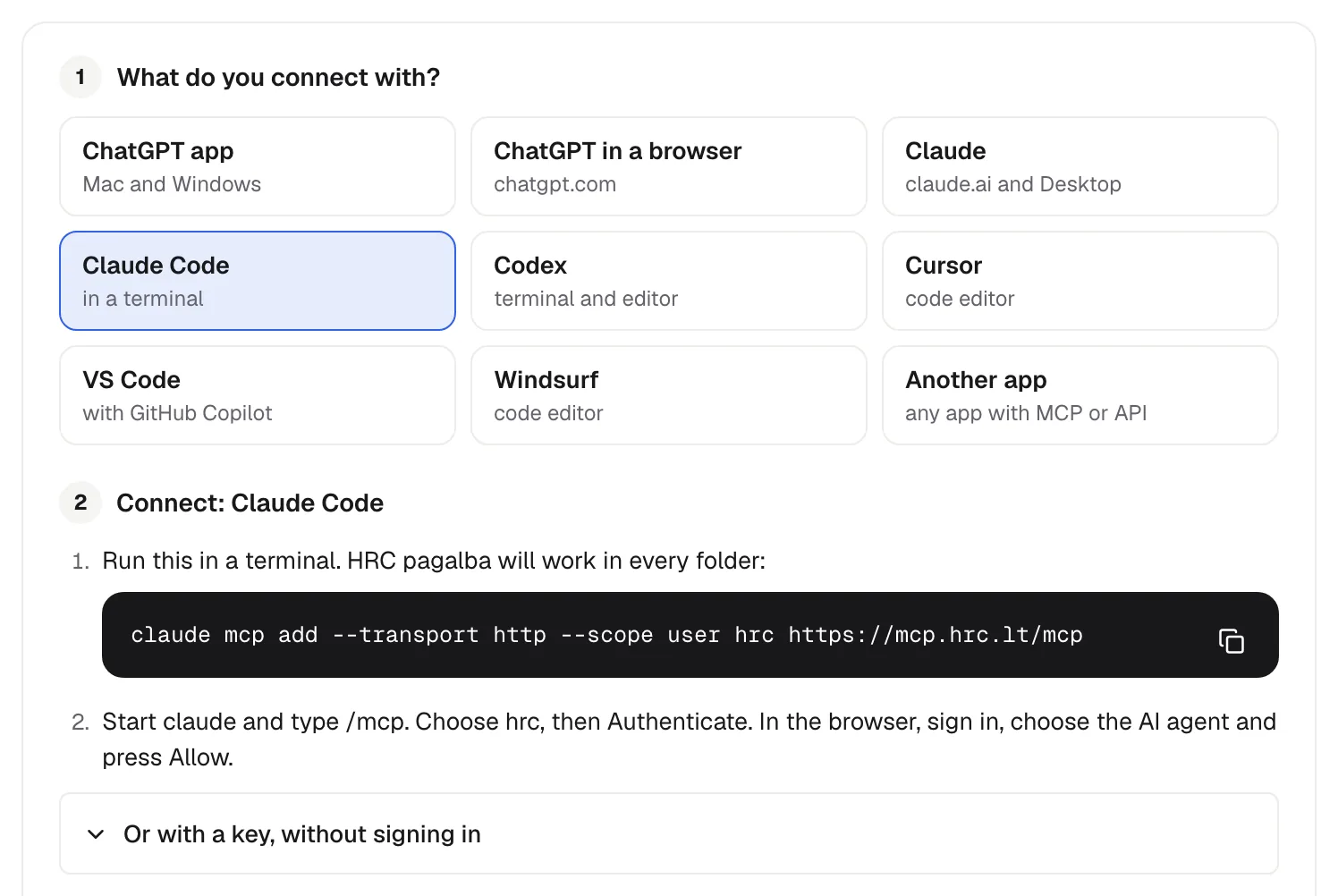
Pick your app and follow its steps. Claude, ChatGPT, Codex, Cursor, VS Code and Windsurf sign in with OAuth, so no key is needed. The MCP address is https://mcp.hrc.lt/mcp. Every app's steps: Connect an AI agent over MCP.
What the AI agent does first
It calls whoami to learn the company, its permissions and its tools. For the knowledge base it reads kb_build_guide: how to research your site, the existing articles and your customers' questions, plan the sections and write drafts.
Check its work
Every AI agent action goes into the action log (Settings, AI agents). Articles stay drafts until you publish them, and replies to customers are sent by a person, unless you let the AI agent send them itself.
Did not find the answer? Write to us