



Documentation contents
Inbox and e-mail
Knowledge base
Files
Analytics
Account and billing
Analytics and what the numbers mean
Updated
Analytics counts itself: there is nothing to set up. You find it under Analytics.
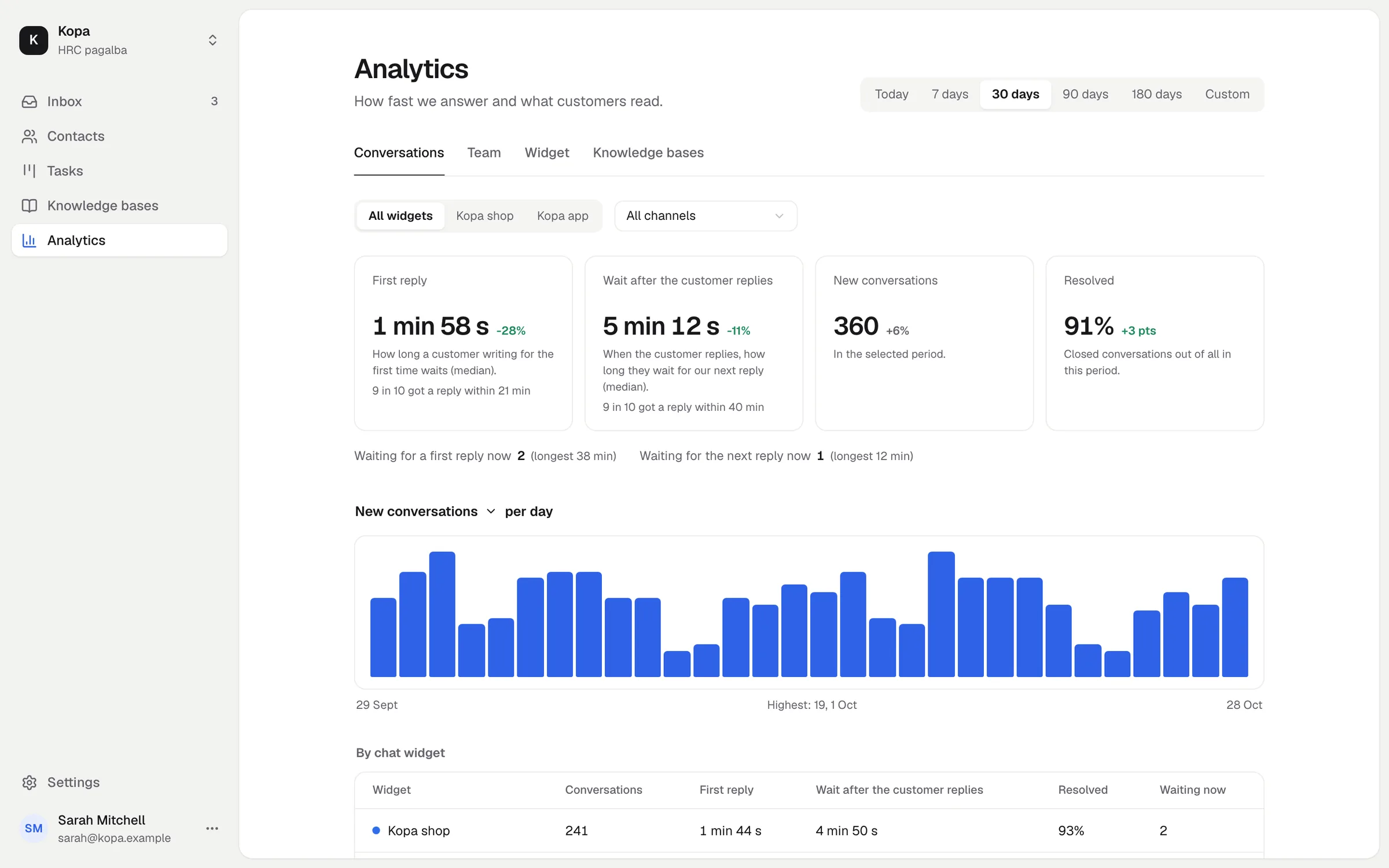
Four tabs
- Conversations: first reply time, wait time, new and closed conversations.
- Team: how many conversations each member answered and how fast.
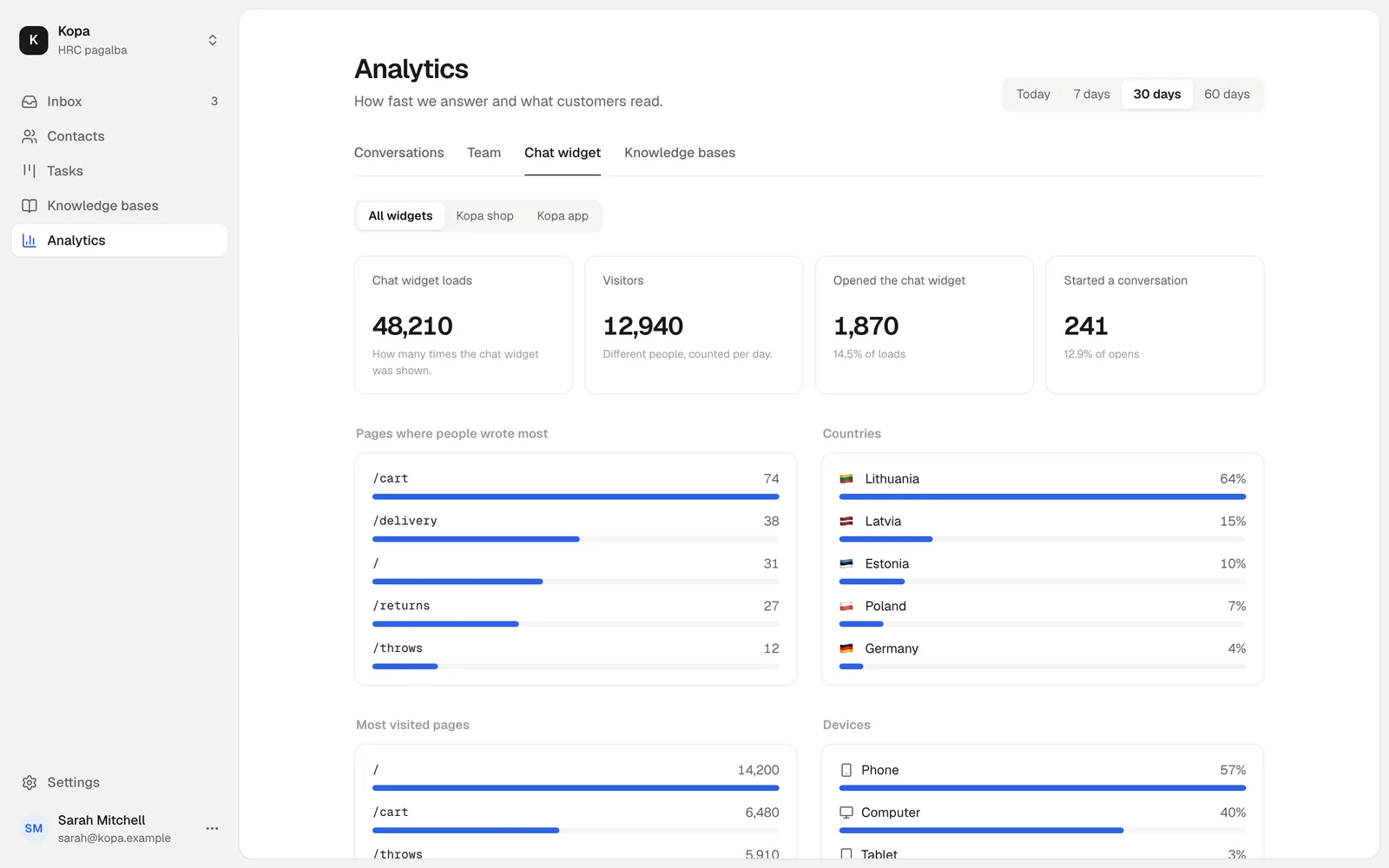
- Chat widget: loads, visitors, opens, conversations, pages, countries, devices and browsers.
- Knowledge bases: views, readers, searches and searches with no result.
What the times mean
- First reply: the time from the customer's first message to the team's first reply.
- Wait: how long the customer waited for an answer to each of their messages.
The median is shown: half of the replies were faster, half slower. Time counts around the clock; working hours are not taken out.
Periods and filters
Today, 7, 30, 90 or 180 days, or your own dates. Filter by chat widget and channel. Numbers are compared with the previous period of the same length.
How long data is kept
Conversation figures are kept for 180 days, chat widget and knowledge base traffic for 60 days. No cookies are used for traffic.
Did not find the answer? Write to us